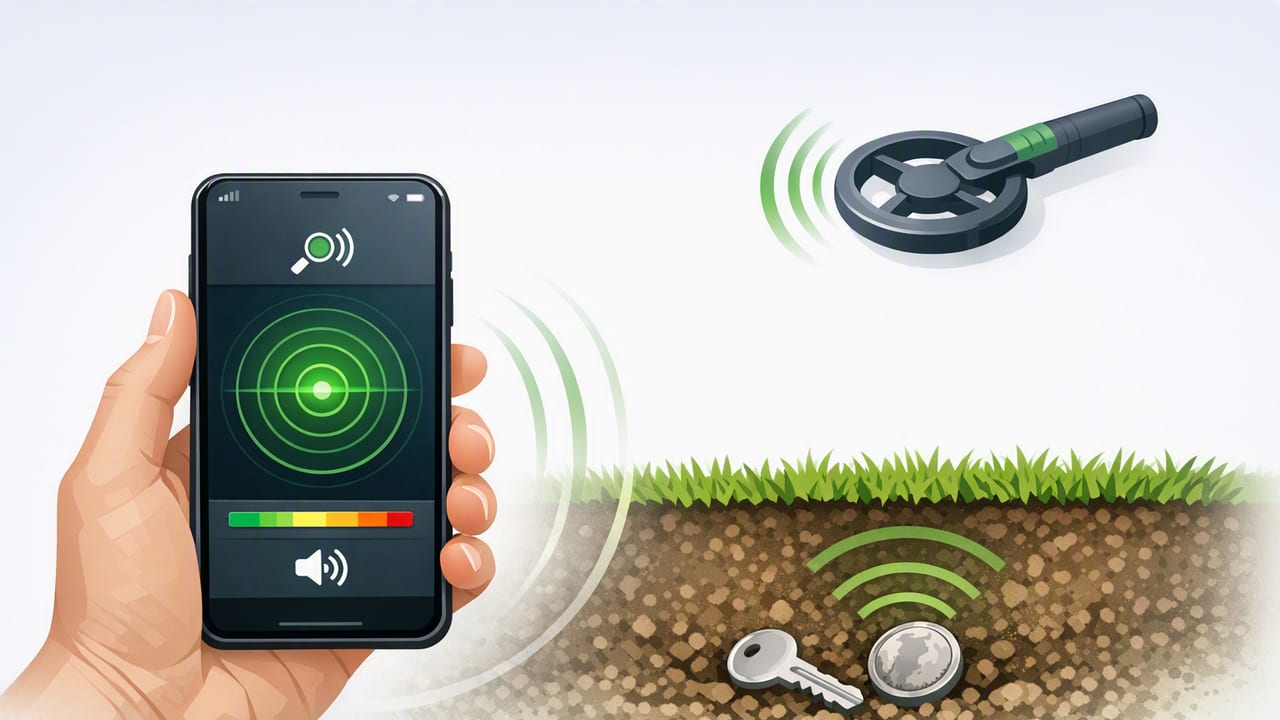
A phone metal detector can be surprisingly useful for quick checks around the house, workshop, or even outdoors. While it won’t replace a dedicated, professional-grade detector for deep ground scans, your iPhone can detect changes in magnetic fields well enough to help you locate nails, screws, steel studs, hidden fasteners, and some pipes—especially when you know what it’s actually measuring.
This guide explains how a phone metal detector works, what it can and can’t detect, how to improve accuracy, and how to use it responsibly for DIY and home improvement.
What a “phone metal detector” really is
Most “metal detector” apps on iPhone are better described as magnetic field meters. They rely on the device’s magnetometer, a sensor primarily designed for compass navigation. The magnetometer measures the strength and direction of magnetic fields around the phone.
When your iPhone passes near ferromagnetic metals (materials strongly affected by magnetism, like iron and many steels), the local magnetic field changes. A phone metal detector app displays this change—often as a numeric reading (microteslas, µT) and/or a moving needle/bar.
The key takeaway
A phone metal detector does not “see metal” directly. It detects magnetic field disturbances, which often (but not always) correlate with nearby ferrous metal.
How iPhone metal detection works (in plain language)
Your iPhone’s magnetometer is sensitive to magnetic fields from:
- Earth’s magnetic field (used for compass heading)
- Permanent magnets (speakers, magnetic clasps, fridge magnets)
- Electric currents (wires carrying current can produce a magnetic field)
- Ferromagnetic objects that distort the surrounding field
A phone metal detector app typically monitors the magnetometer signal and highlights spikes or deviations from a baseline. Many apps also combine sensor smoothing and simple thresholds so the readout is easier to interpret while you move.
What a phone metal detector can and can’t find
Because it’s magnetometer-based, detection depends heavily on the type of metal and the distance to the object.
Usually detectable (best results)
- Steel nails, screws, brackets, hinges
- Cast iron components
- Tools (wrenches, drill bits, utility blades)
- Steel studs behind drywall (at close range)
Sometimes detectable (depends on size and distance)
- Rebar in concrete near the surface
- Large steel pipes or ducting near a wall surface
- Live electrical wiring (indirectly, via current-induced fields)
Often not detectable (or misleading)
- Aluminum (e.g., many beverage cans, some studs)
- Copper (plumbing, most wiring) unless current is flowing strongly
- Gold/silver (jewelry, coins) without strong magnetic effects
- Deeply buried objects (most phones only detect within a few centimeters reliably)
| Object | Typical Result | Why |
|---|---|---|
| Drywall screw | Good | Steel is strongly ferromagnetic |
| Copper pipe | Poor | Copper is not ferromagnetic |
| Rebar near surface | Fair to good | Large ferrous mass; distance matters |
| Live AC cable in wall | Sometimes | Current creates a changing magnetic field |
| Aluminum stud | Usually poor | Aluminum has weak magnetic response |
Accuracy: what affects phone metal detector readings
If you’ve ever seen the numbers jump around, you’re not imagining it. Magnetometer data is sensitive, and your environment can be noisy. The most common factors are:
- Distance: Magnetometer-based detection drops off quickly. A few centimeters can be the difference between “clear spike” and “nothing.”
- Object size and shape: A long screw might show a weaker signal than a thick bracket, even if both are steel.
- Phone hardware and case: Some cases include magnets (MagSafe accessories, magnetic mounts), which can bias readings.
- Nearby electronics: Laptops, power tools, chargers, and speakers can create interference.
- Orientation and motion: Rotating the phone changes which axis of the magnetometer is most affected. Sudden movement can create unstable readings.
Practical rule
Use the reading as a relative indicator. Look for consistent peaks in the same physical spot across multiple passes.
How to use a phone metal detector effectively (step-by-step)
- Remove magnetic accessories: Detach magnetic wallets, mounts, and some cases if possible.
- Step away from metal clutter: Workbenches, tool belts, and steel tables can overwhelm the signal.
- Establish a baseline: Hold the phone still in an area you believe is clear. Note the typical reading.
- Scan slowly: Move at a steady pace, keeping the phone close to the surface (wall, floor, or object).
- Use a grid pattern: For walls, scan horizontally, then vertically to confirm the peak location.
- Mark and verify: When you find a peak, mark it with painter’s tape and re-scan from different angles.
- Confirm before drilling: Use additional checks (stud finder, small pilot hole, building plans) if there’s any risk of hitting electrical or plumbing.
Best DIY use cases
1) Finding hidden nails/screws behind drywall
If you’re patching, hanging shelves, or removing trim, a phone metal detector can help locate a line of fasteners. You’ll often see a repeating pattern at regular spacing along studs.
2) Locating steel studs quickly
In commercial spaces or modern builds, steel studs are common. A magnetometer spike along a vertical line can indicate a stud location. Confirm by scanning higher and lower to see if the peak forms a straight column.
3) Checking reclaimed wood for embedded metal
Before running reclaimed boards through a planer or table saw, scan for hidden nails. This is one of the most practical uses because the surface is accessible and distance is minimal.
4) Finding dropped hardware in grass (limited but possible)
If a screw or bit falls into short grass, scanning close to the ground can help—especially if you know the general area. Keep expectations realistic: soil minerals, moisture, and distance reduce reliability.
Troubleshooting: common problems and fixes
Readings are high everywhere
- Move away from large metal objects (appliances, steel desks).
- Remove magnetic phone accessories.
- Restart the app (some apps re-baseline on launch).
Readings jump randomly
- Slow down and keep the phone at a consistent distance from the surface.
- Avoid scanning near active power tools, chargers, or extension cords.
- Try rotating the phone 90° and repeat the scan; some orientations produce cleaner peaks.
Nothing is detected (even near obvious metal)
- Test with a known object (a screwdriver) to confirm the sensor responds.
- Check if your case includes magnets that saturate the sensor.
- Ensure the app is using the magnetometer (not just a “simulated” interface).
Safety notes (important for home improvement)
A phone metal detector can help reduce guesswork, but it should not be your only safety step when the stakes are high.
- Electrical risk: A magnetometer may not reliably detect all wiring, especially if the circuit is off or lightly loaded.
- Plumbing risk: Copper and some plastic plumbing won’t register well. Don’t assume “no signal” means “safe.”
- Drilling best practice: Use shallow pilot holes, inspect debris, and use a dedicated stud/wire detector when needed.
For the curious: reading iPhone magnetometer data (Swift)
If you want to understand what these apps are reading, iOS provides magnetometer access through Core Motion on supported devices. Below is a minimal example that prints the magnetic field vector. (This is educational; a full app needs UI, permissions handling where applicable, and filtering.)
import CoreMotion

let motionManager = CMMotionManager()

if motionManager.isMagnetometerAvailable {
    motionManager.magnetometerUpdateInterval = 0.1
    motionManager.startMagnetometerUpdates(to: .main) { data, error in
        guard let field = data?.magneticField, error == nil else { return }

        // microteslas (µT) along each axis
        let x = field.x
        let y = field.y
        let z = field.z

        // magnitude is often easier to graph
        let magnitude = (x*x + y*y + z*z).squareRoot()

        print("Magnetic field: x=\(x) y=\(y) z=\(z) | mag=\(magnitude)")
    }
}
Many “phone metal detector” tools essentially compute that magnitude value, smooth it, and alert you when it deviates from a baseline.
FAQ
Can a phone metal detector find gold or silver?
Usually not reliably. Precious metals are not ferromagnetic, so they don’t strongly disturb the magnetometer. Dedicated detectors use different principles (often electromagnetic induction) to detect a wider range of metals.
How deep can an iPhone detect metal?
In many real-world scenarios, detection is strongest within a few centimeters. Large ferrous objects can register farther, but walls, distance, and interference reduce consistency.
Why does it react near speakers or my car?
Speakers contain magnets, and vehicles contain large amounts of steel—both create strong field disturbances that a magnetometer will pick up easily.
Wrap-up: getting the most from a phone metal detector
A phone metal detector is best treated as a fast, convenient magnetic-field scanner. Use it for close-range DIY tasks—like finding screws in drywall, checking reclaimed lumber, or confirming the presence of ferrous metal—then verify with additional methods when drilling or cutting could hit wiring or plumbing.
If you prefer an offline iOS toolkit that includes metal detection alongside other practical measurement tools, Level Tool is one option worth exploring.
