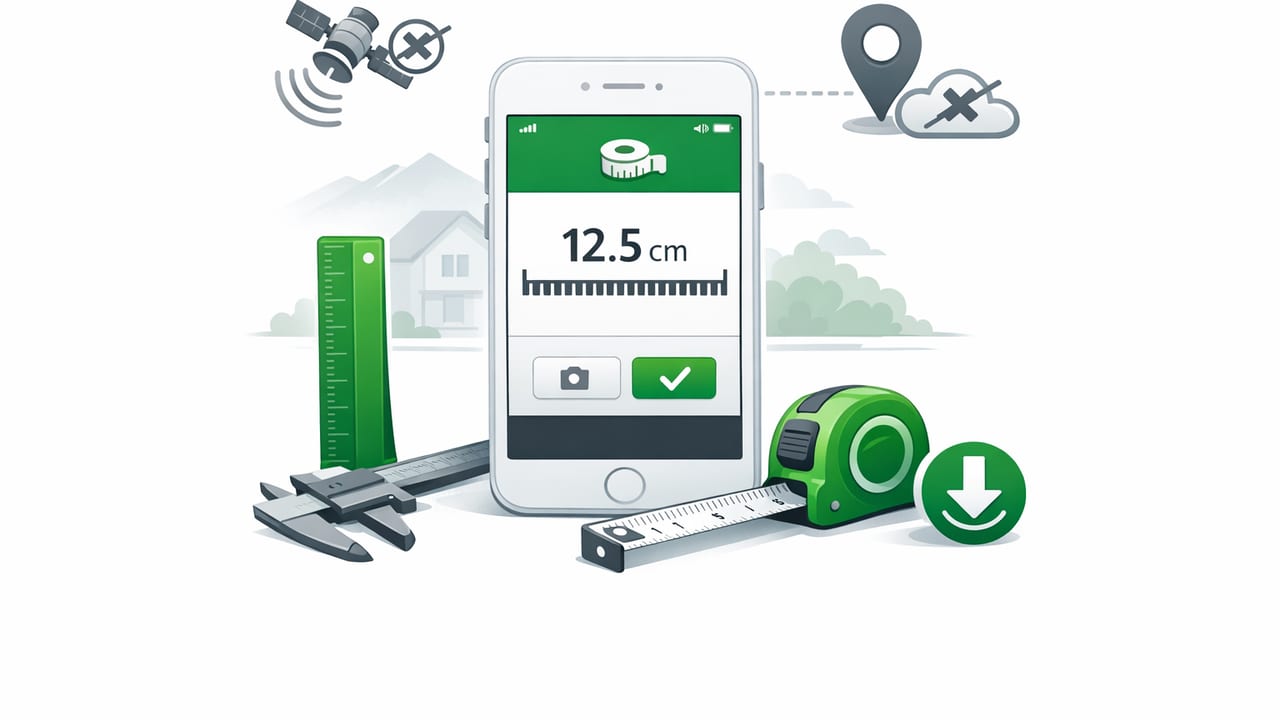
When you’re in the middle of a home improvement job, under a sink, on a ladder, or outdoors without reception, the last thing you want is a measuring tool that stalls because it can’t reach a server or load an ad network. That’s where an offline measurement app for iOS earns its keep: it keeps working when Wi‑Fi and cell service don’t.
Modern iPhones and iPads include an impressive set of sensors—accelerometers, gyroscopes, magnetometers, barometers, and more. A well-designed offline measurement app turns those sensors into practical tools for DIY, home improvement, and navigation. This guide explains what “offline” really means, which tools are most useful, how to trust readings, and what to look for before you rely on an app in the field.
What “offline” means (and why it matters)
“Offline” should mean the app can open, measure, and display results without any network connection. That sounds simple, but many apps still depend on online components (analytics, ads, account checks, subscription validation, cloud processing) that can affect reliability.
In practice, an offline-first tool offers three major advantages:
- Reliability: Measurements work in basements, garages, remote trails, and job sites with poor signal.
- Speed: No waiting for ad calls or server responses before you can level a shelf.
- Privacy: Sensor readings and usage don’t need to be transmitted to third parties.
In measuring, consistency is often more important than perfection—especially when you need the same result every time you check.
Common tools inside a measurement app (and what they’re for)
An offline measurement app for iOS typically bundles several utilities. Here are the tools most people actually use, with real-world examples.
1) Bubble level / spirit level (single- and dual-axis)
A digital bubble level uses the accelerometer and gyroscope to report tilt. It’s ideal for:
- Hanging frames and mirrors
- Leveling appliances (refrigerators, washers)
- Checking countertop slope
- Squaring up small assemblies
Dual-axis leveling helps when you need both left-right and forward-back tilt at once (e.g., setting a small table, aligning a drill press platform, or leveling a router sled).
2) Ruler / on-screen measuring
On-screen rulers are great for quick checks (fastener spacing, small parts, drill bit diameter comparisons). They’re best for short measurements and for confirming dimensions you’ll later verify with a tape measure or calipers.
3) Compass (bearing navigation)
A compass tool uses the magnetometer to show direction and bearings. Offline matters here because you may want headings in places where maps won’t load. Useful scenarios include:
- Finding a direction for property lines or garden layouts
- Maintaining a consistent bearing while hiking
- Checking orientation for solar exposure planning
4) Barometer / altimeter (pressure-based trends)
Some iOS devices include a barometer. A barometer tool helps you watch pressure changes (useful for weather trend awareness) and estimate altitude changes. For DIY, it can also help you compare pressure changes between floors or during weather shifts—more of a “trend tool” than an exact instrument.
5) Metal detection (magnetometer-based)
Metal detection features typically respond to magnetic field changes. They can help locate some hidden objects (like steel nails or studs with metal fasteners) but are not a replacement for dedicated stud finders. Offline operation is ideal in older buildings or renovation sites where you don’t want distractions.
6) Laser line / alignment aids (when supported)
Some apps offer alignment overlays or “laser” style guidance using the camera and screen indicators. These can be helpful for straight visual references (like aligning a row of hooks), though you should treat them as a visual aid and verify with a physical reference for critical work.
Offline vs. online measurement apps: a practical comparison
| Feature | Offline-first measurement app | Network-dependent measurement app |
|---|---|---|
| Works without signal | Yes (core tools load instantly) | Sometimes (may block on ads, login, paywalls) |
| Startup speed | Typically faster | Can be slower if it fetches content |
| Privacy | Less data sharing by design | May send analytics/identifiers |
| Field reliability | High (no dependency chain) | Variable (depends on services) |
| Updates/feature delivery | Via app updates | May change server-side without notice |
How to get trustworthy readings (calibration and technique)
Sensors are excellent, but technique matters. Use these steps to improve consistency when using any offline measurement app for iOS.
Level calibration: the “flip test”
- Place your device on a known flat surface (a sturdy countertop is usually better than a soft table).
- Note the reading (for example, 0.3°).
- Rotate the device 180° in the same spot (top becomes bottom).
- If the reading doesn’t mirror (e.g., it becomes -0.3°), use the app’s calibration feature if available.
This simple method helps remove systematic offset and improves repeatability for leveling tasks.
Compass accuracy: reduce interference
- Move away from steel beams, cars, toolboxes, and speakers.
- Remove magnetic accessories (some cases, mounts, or rings).
- Recalibrate if the app prompts you, especially after traveling long distances.
Tip: If you need a bearing for a short DIY layout, take several readings a few seconds apart and use the most stable value.
Barometer use: think “trend,” not “absolute”
Pressure readings are sensitive to weather and indoor airflow. They’re best for comparing changes over time (pressure rising/falling) rather than trying to compute an exact altitude in feet or meters.
DIY use cases where offline is a real advantage
Here are situations where an offline measurement toolkit is more than a convenience.
Basement projects and utility rooms
Basements often have poor reception. Offline leveling helps when:
- Setting washer/dryer feet to reduce vibration
- Aligning shelves in a storage room
- Checking slope near a drain or sump area
Cabinet and hardware alignment
When installing pulls, hooks, towel bars, or a series of frames, you often need quick checks—level, spacing, and straight lines. An offline app keeps the workflow smooth: measure, adjust, verify, repeat.
Outdoor navigation without relying on maps
Even if you use offline maps, a compass/bearing tool can be a backup when you just need direction quickly. For example, maintaining a bearing to return to a trail junction is easier when the compass is always available.
Travel and remote work
From cabins to campsites to job sites, network conditions can change. The value of an offline measurement app for iOS is that your tools are not tied to a login, subscription check, or ad service.
Checklist: what to look for in an offline measurement app for iOS
- Offline-first startup: All core tools open instantly in airplane mode.
- Calibration controls: Especially for leveling and compass.
- Clear units and angles: Degrees, slope, and unit switching should be obvious.
- Dual-axis display: Helpful for platform leveling and multi-direction checks.
- No forced account: You shouldn’t need to create a login to use a ruler.
- Data handling clarity: Simple privacy disclosures and minimal permissions.
- Works across orientations: Portrait/landscape and left/right-handed use.
- Readable UI in the field: High contrast for garages and outdoor light.
Simple workflow: record measurements without extra apps
Even offline, you may want to capture results for later. One lightweight approach is to log readings in Notes using a consistent template. Copy/paste this format:
Project:
Location:
Date:
Tool used:
Reading:
Reference surface:
Notes:
Next step:
This keeps your process repeatable—especially helpful when you’re checking multiple surfaces (e.g., four cabinet runs) and want to avoid “I think it was about…” guessing.
Limitations to understand (so you don’t over-trust the tool)
Offline tools are powerful, but they’re still constrained by hardware and conditions:
- Surface dependency: A level is only as accurate as the surface you’re using to reference.
- Magnetic noise: Compasses can drift near metal or electronics.
- Device variation: Different models can behave slightly differently due to sensor tolerances.
- Not a substitute for certification: For regulated professional work, you may need calibrated, certified instruments.
The goal for most DIY and field tasks is repeatable accuracy: confidence that the reading is consistent enough to make good decisions, then verifying with a physical tool when stakes are high.
Putting it all together
A good offline measurement app for iOS is like a compact toolbox: it removes friction when you’re working fast, in awkward spaces, or without connectivity. If you choose an app that truly works offline, offers calibration, and presents clear readings, you’ll get a dependable companion for everyday leveling, quick measuring, and basic navigation.
If you’re looking for a single offline toolkit that combines multiple sensor-based measurement utilities in one place, you can explore options like Level Tool and compare its offline behavior, calibration controls, and readability against your own project needs.
