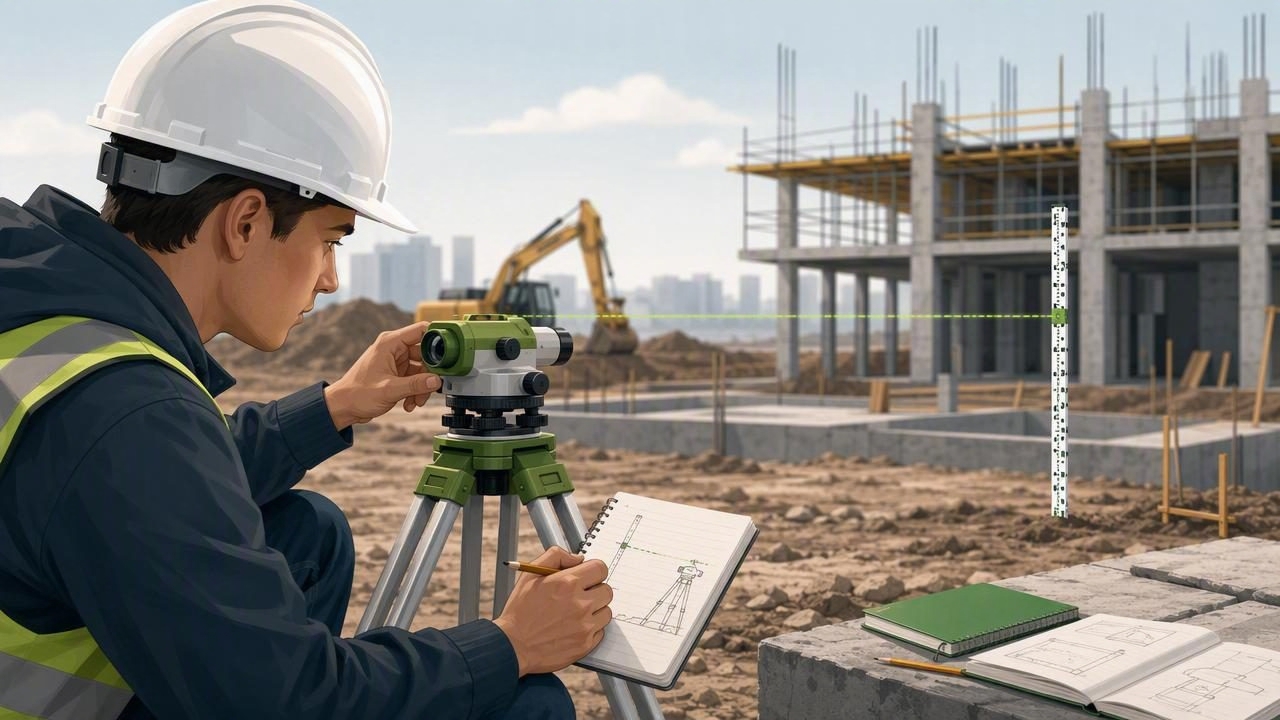
Construction students learn quickly that accurate layout begins with a reliable reference. Whether you are checking a training wall, setting out a ramp, reviewing a formwork exercise, or studying roof pitch, a level reading only has value when you understand what it represents. An offline level app can be a useful learning tool because it lets you check level, plumb, and angle readings without depending on mobile data or Wi-Fi.
That convenience does not remove the need for sound measuring practice. A phone-based level is most useful when it makes actual, stable contact with the surface or a straight reference edge, has been calibrated properly, and is used repeatedly under the same conditions. This guide explains a practical workflow for construction students who want more dependable readings in workshops, classrooms, and field exercises.
Why offline measurement matters on training sites
Construction projects and training areas do not always provide dependable connectivity. A basement, concrete structure, rural site, or partially completed building may have weak service. An offline level app keeps core angle and leveling checks available when a connection is unavailable, so students can focus on the measurement task rather than a loading screen or account prompt.
Offline access is particularly useful for short, repeatable checks. For example, you may need to compare the slope at three points along a practice ramp, verify whether a temporary ledger is level, or record a roof-board angle for a classroom calculation. The key benefit is access to the reading itself; it is not a guarantee that every reading is suitable for every construction decision.
For assessed work, structural work, or any task governed by project specifications, use the measuring instrument and verification process required by your instructor, supervisor, drawings, and applicable standards. A mobile device is best treated as a learning aid and a quick secondary check unless your site procedure says otherwise.
Understand what the phone is measuring
A phone level uses internal motion sensors to estimate its orientation relative to gravity. When the device rests against a surface, the reading represents the orientation of the phone. Therefore, the phone must sit consistently against the surface you intend to assess. If it bridges a bump, rests on a screw head, touches an uneven edge, or is held in the air, the displayed angle may not represent the construction element accurately.
Think of the phone as the measuring body of a short digital level. Its contact edge, case, and placement matter. A thick or flexible case can prevent even contact, while dust, mortar, debris, moisture, or a bowed board can introduce variation. Before trusting a reading, inspect both the contact surface and the device position.
Set up an offline level app before the exercise
Do not wait until a grading exercise or site demonstration to learn the controls. Spend a few minutes setting up and testing the app in a known environment. This helps you distinguish a genuine slope from a setup issue.
- Charge the phone. A low battery can interrupt a session, especially during a long practical class.
- Remove obstructions. Clean the phone edge and the reference surface. Remove a case if it prevents the device from sitting flat and consistently.
- Find a stable reference. Use a rigid, clean surface that is known to be flat or a verified straightedge placed on a stable bench.
- Calibrate according to the app instructions. Calibration establishes the device reference. Keep the phone still during the process.
- Set a suitable tolerance. A tolerance is the acceptable range around the target. For practice, choose a value that matches the exercise instructions rather than chasing a perfect-looking zero on a rough surface.
- Enable sound or haptic feedback only when helpful. Feedback can make it easier to hold a position while watching the workpiece, but visual confirmation and repeat checks still matter.
A repeatable field workflow for level and angle checks
A good measurement routine is simple enough to use every time. Start by identifying the target: level, plumb, a specified angle, or a required fall. Then identify the reference surface that the phone will contact. If the surface is narrow, rough, or irregular, place a straight, rigid reference edge on it first and rest the phone on that edge. This averages small local imperfections and gives the phone a more consistent contact plane.
Place the phone gently without sliding it into position. Let it settle, then wait for the reading to stabilize. Record the value, lift the phone, and place it back in the same location for a second reading. If the two results differ noticeably, do not average them immediately. Check for debris, hand pressure, case interference, movement in the workpiece, or inconsistent placement.
For longer runs, measure more than one point. A single reading at the center of a board cannot reveal a twist, bow, or change in slope elsewhere. Check the beginning, middle, and end, and note the direction of any change. This habit is valuable for students because it connects the number on the screen to the physical condition of the material.
Concrete example: checking a practice drainage slope
Imagine a workshop assignment requiring a 2% fall across a 2 m practice channel. A 2% fall means the surface should drop 2 units vertically for every 100 units horizontally. Over 2 m, the intended vertical drop is 40 mm.
First, confirm the direction of fall shown on the drawing. Place a straightedge along the channel in that direction, ensuring it makes stable contact at the intended measuring points. Put the phone flat against the straightedge, not on an uneven patch of the channel. After the display settles, read the angle and repeat the placement.
A 2% slope corresponds to an angle of approximately 1.15 degrees. You do not need to memorize that conversion, but you should understand the relationship: a small angle can create a meaningful vertical fall over distance. If the reading is near the target, verify it with the method specified for the exercise, such as a level and measured rise, a laser level, or a surveying instrument. The phone reading helps you identify whether you are generally close and whether the slope runs in the correct direction.
If the first reading is 1.0 degrees and the second is 1.3 degrees, treat that difference as information. Recheck the straightedge contact, inspect the channel for unevenness, and take readings at additional points. The goal is not to force a preferred number; it is to determine whether the surface is consistent and whether the measurement process is repeatable.
Common student tasks and the right checking method
| Task | Useful phone placement | Important follow-up |
|---|---|---|
| Check a shelf or ledger for level | Place the phone on a clean, flat top surface or straightedge. | Measure at more than one location to identify sag or twist. |
| Check a stud for plumb | Hold the phone firmly against a straight, clean face of the stud. | Check near the bottom, middle, and top. |
| Review a roof-pitch model | Rest the phone on a straight rafter reference surface. | Confirm the pitch calculation using the assigned method. |
| Set a drainage fall exercise | Use a rigid straightedge aligned with the intended fall. | Verify rise over run and direction of drainage. |
| Check formwork alignment | Use a stable contact face, not loose bracing or hardware. | Follow site tolerance and supervisor verification procedures. |
Use calibration and reversal checks to build confidence
Calibration is not a one-time substitute for checking your work. Recalibrate when the device has been dropped, when you change cases, after a major temperature change, or when results seem inconsistent. Always follow the app’s calibration process on a stable reference surface.
A useful classroom habit is a reversal check. Place the phone on a stable surface, note the reading, then rotate it 180 degrees on the same contact plane and take another reading. The direction may reverse depending on the display, but the magnitude should be reasonably consistent. A large difference suggests that the contact setup, reference surface, or calibration needs attention.
Repeatability is often more useful to a student than one isolated value. If you can place the phone three times and obtain closely similar readings, you have stronger evidence that your method is controlled. If every placement changes substantially, improve the setup before drawing a conclusion about the construction work.
Limitations to remember before relying on a reading
An offline level app is not a replacement for certified or project-specified instruments. It does not turn a phone into a survey-grade device, establish legal compliance, or provide certified accuracy. It also cannot compensate for a warped reference edge, a moving structure, poor contact, or an incorrect calibration.
Avoid using a phone as the sole basis for critical structural alignment, safety-sensitive work, formal inspection, or final acceptance. Do not use it to decide whether a vehicle is safe to lift or to automate vehicle lifting. For these tasks, follow the relevant safety procedures and use purpose-built equipment.
Remember that a phone level measures orientation, not distance. It cannot measure a room from a photo or replace a tape, staff, total station, or other required instrument. If an exercise requires a rise-over-run calculation, you still need accurate distance measurements and a clear understanding of the specified tolerance.
Build better habits through short practice drills
Try a simple five-minute drill before a practical session. Pick a bench, a timber offcut, and a straightedge. Calibrate the device, take three readings from the same position, reverse the phone, then repeat the process at the other end of the timber. Write down the readings and explain any differences you observe.
This exercise develops skills that transfer beyond phone-based measurement: preparing a reference surface, controlling placement, checking repeatability, documenting observations, and knowing when a result needs independent verification. Those are the habits that make any measurement tool more useful on a construction site.
Use the app as part of a sound measurement process
An offline level app can give construction students a fast way to study level, plumb, and angle concepts wherever they work. Use stable contact, calibrate carefully, take repeated readings, and compare the result with the required method for the task. For a practical iPhone walkthrough, Level Tool’s guide to measuring an angle on iPhone explains the basic process of placing, referencing, and reading an angle.
