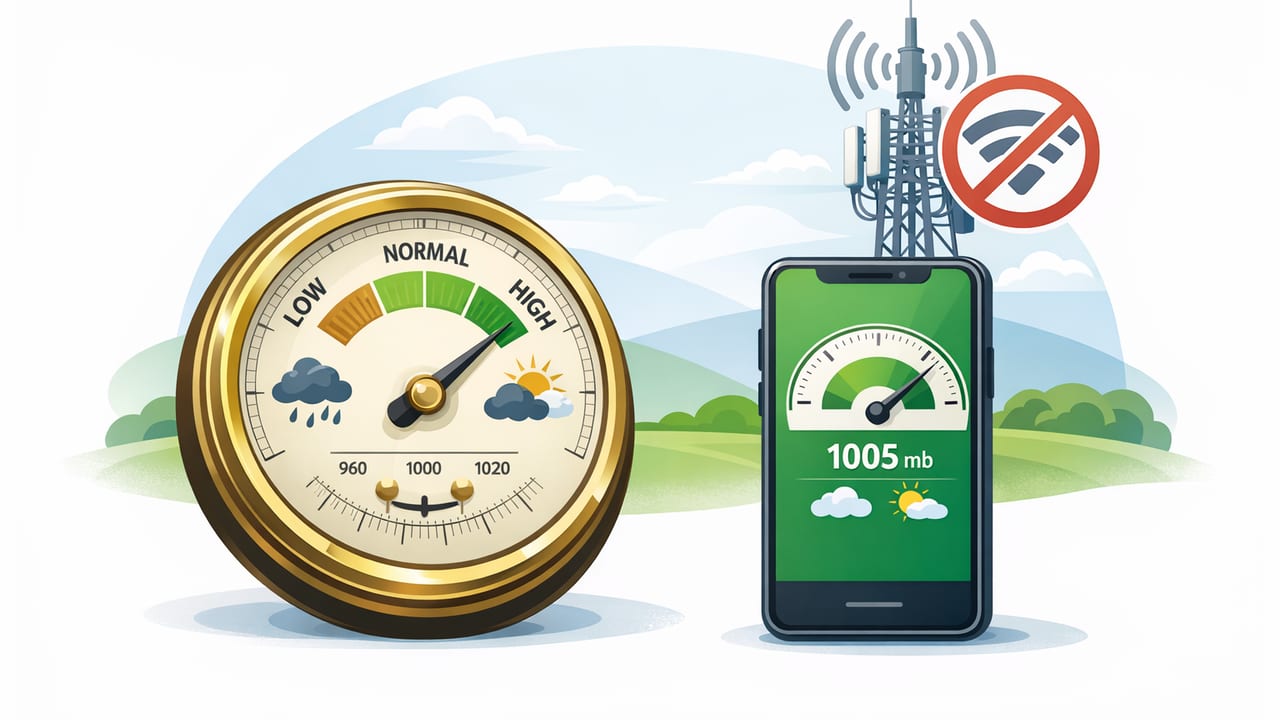
Modern iPhones include a built-in barometric sensor that can measure air pressure with surprising precision. That opens up practical uses beyond “checking the weather,” especially when you’re working in a basement, traveling in remote areas, or simply don’t want to depend on signal. The key is understanding what the barometer is measuring, how to interpret pressure trends, and how to get barometer pressure readings without internet connection you can actually trust.
This guide explains how offline barometer readings work, how to read them like a pro, and how to avoid the most common mistakes that make pressure numbers feel random.
What an iPhone barometer measures (and what it doesn’t)
A barometer measures ambient air pressure—the force of the atmosphere pressing down at your current location. Most iOS barometer tools display pressure in:
- hPa (hectopascals) or mbar (millibars) — essentially equivalent (1 hPa = 1 mbar)
- inHg (inches of mercury) — common in some regions
What it doesn’t directly measure is “weather” or “rain.” Pressure is one ingredient, and the trend over time is usually more meaningful than a single reading.
Station pressure vs sea-level pressure
One source of confusion: pressure can be displayed as either:
- Station pressure: the pressure where you are (depends on altitude)
- Sea-level adjusted pressure: station pressure corrected to sea level (used on weather maps)
If you’re using a barometer for local changes (like storm approach), station pressure trends are often enough. If you want to compare your reading to a forecast map, you may need sea-level adjustment (some apps provide it; others don’t).
Why offline barometer readings are useful
There are plenty of times you need pressure data but don’t have a reliable connection—or you just prefer not to rely on online sources.
- Remote work sites: cabins, rural properties, new construction, metal buildings
- Backcountry navigation: pressure trend + elevation changes can add context to conditions
- Storm awareness: fast drops can signal incoming weather even when your forecast app can’t refresh
- Indoor diagnostics: pressure changes when doors/windows open, HVAC starts, or weather fronts pass
Because the sensor is on-device, you can take barometer pressure readings without internet connection as long as your app works offline and is reading the device sensor directly.
How to take reliable barometer readings on iOS (offline)
1) Give the sensor time to settle
When you move quickly between environments (car to outdoors, warm indoors to cold outside), the phone’s temperature and airflow around it can temporarily affect readings. For best results:
- Hold the phone still for 30–90 seconds
- Avoid covering vents/microphone openings with your hand or case lip
- Keep it out of direct wind when possible (your body can act as a windbreak)
2) Track the trend, not just the number
A single value is a snapshot. A trend is a story. If your app offers a history graph, watch:
- Steady rise over 1–3 hours
- Steady fall over 1–3 hours
- Rapid fall over 30–120 minutes
Even without a chart, you can log readings manually every 15–30 minutes when conditions matter.
3) Avoid “false changes” caused by altitude shifts
Pressure changes when you change elevation—sometimes more than weather does. If you drive up a hill, climb stairs, or hike to a ridge, your pressure reading will drop even if the atmosphere is stable.
Rule of thumb: pressure decreases roughly 1 hPa per ~8 meters (varies with temperature and conditions). So a modest elevation change can look like a weather signal unless you account for it.
Interpreting pressure: a practical reference table
Pressure values vary by region and altitude, so treat these as guidelines mainly useful at or near low elevations, or when using sea-level adjusted pressure.
| Sea-level pressure (hPa) | General meaning | Common trend interpretation |
|---|---|---|
| 1025–1040 | High pressure | Often fair, stable conditions; winds can be light (not always) |
| 1015–1025 | Normal to slightly high | Often stable; watch trend for changes |
| 1005–1015 | Normal to slightly low | More variable; clouds/precipitation more likely depending on humidity |
| 990–1005 | Low pressure | Higher chance of unsettled weather; trend matters a lot |
| < 990 | Very low pressure | Potential for significant storms in many regions (context matters) |
Most useful takeaway: if pressure is falling quickly at your location (without you gaining altitude), conditions are often changing soon.
Offline “storm signal”: what counts as a meaningful pressure drop?
Because every location is different, it helps to think in rate of change instead of absolute numbers.
- ~1 hPa drop in 1 hour: noticeable change; pay attention
- ~2–3 hPa drop in 1 hour: significant; weather may deteriorate
- ~4+ hPa drop in 3 hours: often a strong system approaching (especially if winds increase)
To avoid misreads, confirm you haven’t changed elevation much and that your phone has been in the same general environment.
DIY and home-improvement uses for a barometer
A barometer won’t replace specialized tools, but it can add context in practical ways—especially when you’re working offline on-site.
Checking for pressure-front timing before outdoor work
If you’re planning painting, roofing, concrete work, or sealing, rapid pressure drops can correlate with changing conditions (wind shifts, incoming precipitation). An offline barometer trend won’t give a forecast, but it can help you decide whether to accelerate prep work or protect materials.
Basement and crawlspace awareness
Moisture problems are mostly about humidity and drainage, but pressure changes influence airflow. If you’re testing ventilation changes (fans on/off, door open/closed), you can log pressure to understand whether a “drafty” feeling is tied to a broader weather shift or your local setup.
Project documentation
For certain jobs (inspection notes, troubleshooting recurring issues), recording pressure alongside temperature and time can help you see patterns—especially when problems happen during specific weather transitions.
Unit conversions (quick and offline-friendly)
If you see hPa but need inHg (or vice versa), these conversions help:
- 1 hPa ≈ 0.02953 inHg
- 1 inHg ≈ 33.8639 hPa
If you ever want a simple offline conversion snippet for notes or a shortcut script, here’s the math:
// Convert hectopascals (hPa) to inches of mercury (inHg)
function hPaToInHg(hPa) {
  return hPa * 0.02953;
}

// Convert inches of mercury (inHg) to hectopascals (hPa)
function inHgTohPa(inHg) {
  return inHg * 33.8639;
}
Common mistakes that make offline barometer readings feel “wrong”
Comparing your station pressure to a weather website
Many weather services show sea-level pressure, not your station pressure. If you’re at higher elevation, your station pressure will be lower—even on a high-pressure day. That’s not an error; it’s physics.
Assuming one number predicts rain
Pressure alone doesn’t equal precipitation. Humidity, temperature profiles, and local geography matter. Think of pressure as a change detector rather than a simple “good/bad weather” score.
Letting movement masquerade as weather
Driving, elevators, stair climbing, and hiking all change pressure quickly. If you want weather insight, take readings while you’re relatively stationary, or at least compare readings taken at similar elevations.
Simple offline workflow: make pressure readings actionable
- Pick a baseline: take a reading at a known location (home, campsite, job trailer).
- Log time + pressure: every 30–60 minutes when you care about conditions.
- Note elevation changes: “drove up to site,” “climbed ridge,” etc.
- Watch for consistent direction: two or three readings in a row rising or falling.
- React to the trend: protect materials, adjust timing, or plan a safer return route.
Barometers are most powerful as trend tools: the atmosphere rarely shouts with one number, but it speaks clearly over time.
FAQ: offline iPhone barometer readings
Do I need GPS or Wi‑Fi for barometer readings?
No. The barometer sensor measures pressure locally. Internet and GPS are only needed if an app wants to fetch reference sea-level pressure, show maps, or tag exact elevation.
Why does pressure change when I go indoors?
It can be a mix of real pressure differences (buildings can be slightly pressurized), airflow, and the phone adjusting after temperature/wind changes outdoors. Give it a minute to stabilize.
Is an iPhone barometer “accurate enough”?
For trend tracking and relative changes, often yes—especially when you use consistent methods and avoid elevation-related confusion. For regulated or safety-critical measurements, use dedicated calibrated instruments.
Choosing an offline barometer app (what to look for)
If you want dependable offline use, prioritize apps that:
- Work fully offline (no forced sign-in, no subscription lockout)
- Show trend history or make logging easy
- Clearly label whether pressure is station or sea-level adjusted
- Offer units you prefer (hPa/mbar and/or inHg)
If you already keep a broader offline measurement toolkit on your phone, an app like Level Tool can bundle a barometer alongside other on-device tools, which is convenient when you’re moving between DIY tasks and outdoor planning.
