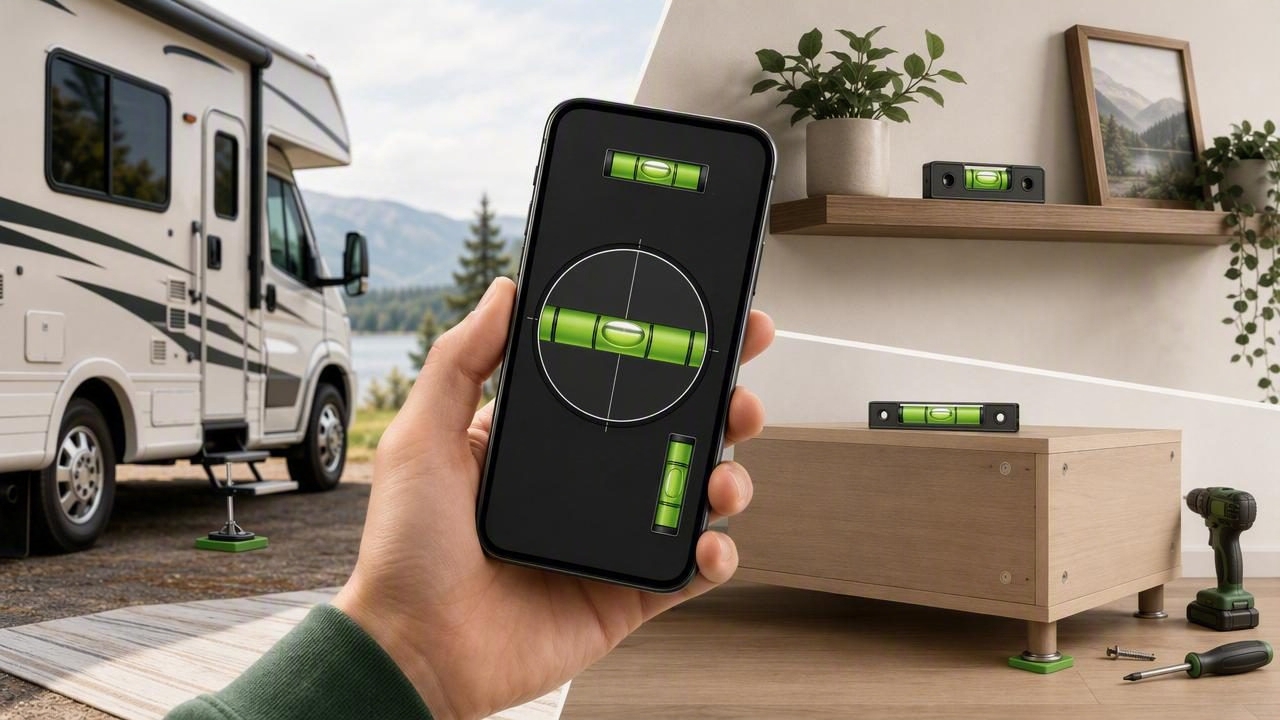
An offline bubble level app can be a practical addition to a DIY toolkit when you need to check whether a surface is level, plumb, or tilted without relying on mobile data, Wi-Fi, or a subscription. Your iPhone already contains motion sensors that can detect its orientation. When an app translates those sensor readings into a bubble-level display or angle value, you can make quick checks during home improvement work, furniture setup, outdoor projects, and RV parking.
However, a phone is not a substitute for every professional instrument. Reliable results depend on proper calibration, consistent placement, a clean contact surface, and knowing when to use a longer physical level instead. This guide explains how to use an offline level app carefully, with practical examples and clear limitations.
What Is an Offline Bubble Level App?
A bubble level app uses your iPhone's internal motion sensors to estimate tilt. Depending on the app and the position of the phone, it may show:
- A traditional bubble-style display for left-to-right and front-to-back leveling
- An angle reading in degrees
- A percent slope reading
- A plumb indication for vertical surfaces
- Targets or tolerance settings to show when a chosen angle has been reached
The word offline matters. Core leveling measurements should continue to work when you are in a garage with poor reception, at a remote campsite, in a basement, or simply avoiding unnecessary connections. The phone's sensors provide the orientation data locally, so an internet connection is not inherently needed to read a level or angle.
Offline functionality does not make every measurement automatically accurate. It means the basic measurement process can remain available without connectivity. Accuracy still comes from calibration, stable contact, repeatable technique, and matching the tool to the job.
When an Offline Level Is Most Useful
A digital bubble level is especially helpful for short, accessible surfaces where placing a phone flat is safe and practical. It can help you confirm a condition before moving to the next installation step.
| Project | Useful Check | Best Practice |
|---|---|---|
| Wall shelf installation | Check the shelf board before marking brackets | Measure the board itself, then verify after fastening |
| Picture frames and wall decor | Confirm horizontal alignment | Use a straight frame edge and check twice |
| Washing machine setup | Check the appliance top | Adjust the machine feet manually and recheck |
| Workbench assembly | Check the benchtop in both directions | Use several points, not just the center |
| RV or camper parking | Identify side-to-side and front-to-back tilt | Place the phone on a stable interior surface |
| Drainage or ramp planning | Read the slope angle | Measure along the actual direction of fall |
For a quick DIY check, the phone can reduce guesswork. For example, when installing a floating shelf, you might place the phone on the shelf board, bring the reading to your chosen level target, mark the bracket positions, and check again after tightening the screws. This repeated check is more dependable than assuming the board stayed level while hardware was tightened.
Start With Calibration and a Reference Surface
Before relying on any level reading, calibrate the app according to its instructions. Calibration establishes a reference so the app can compensate for small sensor offsets or the way the device is sitting. Do this on a surface you have reason to trust, such as a known-level workbench checked with a physical spirit level.
If you do not have a confirmed level reference, use a repeatability test instead. Put the iPhone in one position on a stable flat surface and note the reading. Rotate it 180 degrees in the same spot and note the second reading. If the readings differ substantially, recalibrate or inspect the placement. A stable, repeatable result is more useful than a single reading taken in a hurry.
Simple Repeatability Check
- Clean the surface and the phone case so grit does not create a tilt.
- Place the phone flat and wait for the reading to settle.
- Record the displayed angle or observe the bubble position.
- Rotate the phone 180 degrees without changing the measurement location.
- Compare the second result with the first.
- Repeat the check once more if the surface or device moved.
Remove a bulky, uneven, or flexible phone case if it prevents full, stable contact. The phone needs to rest consistently on the same edges or back surface each time. A case with a raised camera area, curved back, or protruding accessory can introduce an avoidable error.
How to Measure Correctly With Your iPhone
Good technique is more important than watching a bubble reach the center as quickly as possible. The goal is to measure the surface, not a wobbling phone or an uneven object resting on that surface.
Use Actual Contact, Not Visual Alignment
Place the device directly against or on the item being measured. For a shelf, rest it on the shelf surface. For a vertical post, place the appropriate flat edge of the phone against the post. Avoid holding the phone a few millimeters away and trying to align it by eye; that measures your hand position rather than the workpiece.
Make sure the contact point is free of screws, sawdust, paint drips, cables, or trim profiles. A small obstruction can tip the phone enough to change a fine angle reading.
Measure in the Direction That Matters
A shelf can be level across its width but slope downward from front to back. A camper can be level side-to-side while still being nose-high. Check both axes whenever the project requires a truly level surface.
For a drainage slope, place the phone along the intended water path. For a ramp, place it along the walking or rolling direction. Measuring across the slope gives a different result and may not answer the practical question.
Let the Reading Settle
Set the iPhone down gently and wait briefly for the display to stabilize. Do not press on one corner of the phone while reading the screen. If the number moves continuously, look for vibration, a soft surface, an unstable board, or a phone that is not fully supported.
Concrete Example: Leveling a Camper at a Campsite
Leveling an RV or camper is a useful real-world case because it involves two directions of tilt and often happens where internet access is limited. An offline bubble level app can help you identify the direction and approximate amount of correction needed, but it does not lift, stabilize, or automatically adjust the vehicle.
- Park on the selected site, set the parking brake, and follow the vehicle manufacturer's parking and stabilization guidance.
- Choose a firm, reasonably flat interior surface, such as a counter or floor section that is securely attached to the camper.
- Calibrate beforehand on a trusted reference surface, rather than improvising calibration on the sloped campsite.
- Place the iPhone flat on the chosen interior surface and check side-to-side tilt.
- Turn the phone 90 degrees and check front-to-back tilt.
- Use appropriate leveling blocks, ramps, or manual adjustments as recommended for your vehicle.
- After each adjustment, park securely again and repeat both checks.
For instance, if the display indicates the camper leans down toward the passenger side, the practical correction is generally to raise that low side using suitable equipment and safe vehicle procedures. Recheck after repositioning because moving onto a block can also affect the front-to-back angle.
Safety note: Never depend on a phone app to determine whether a vehicle is safely supported. Follow the manufacturer instructions for jacks, stabilizers, wheel chocks, ramps, and load limits. Stabilizers are not necessarily lifting devices.
Set a Tolerance Instead of Chasing Perfect Zero
Not every job needs a display reading of exactly 0.0 degrees. A practical tolerance helps you work efficiently while still meeting the requirements of the project. The right tolerance depends on the item, its intended function, and how visible a small deviation would be.
- Wall art: A visually level result is usually the priority.
- Shelves: Aim for level so objects do not roll or appear crooked.
- Appliances: Follow the appliance manufacturer's leveling recommendations.
- Drainage surfaces: A deliberate slope may be required; zero is not the goal.
- Outdoor structures: Consider drainage, local building requirements, and structural guidance.
Targets, sound notifications, and haptic feedback can be useful when your attention is on the workpiece rather than the screen. Still, verify the final position visually and with a second measurement. Alerts are aids, not replacements for proper contact and repeatability.
Limits of a Phone Bubble Level
An iPhone level tool has clear limits. Understanding them prevents inaccurate assumptions and keeps projects safer.
- It measures the orientation of the phone, so poor contact produces poor results.
- It does not measure distance from a photo or calculate dimensions from a camera image.
- It is not a certified surveying, engineering, or construction instrument.
- It cannot confirm whether a wall, floor, or foundation is structurally sound.
- It cannot replace manufacturer procedures for vehicle lifting or stabilization.
- Short phone contact areas may not reveal dips, bows, or twists across a long surface.
For long shelves, framing, large floors, or work requiring documented precision, use an appropriately sized physical spirit level, straightedge, laser level where suitable, or professional measuring equipment. A phone app is best viewed as a convenient sensor-based check for accessible tasks, not as the only tool for critical decisions.
Build a More Reliable DIY Leveling Routine
A dependable process is simple: calibrate before the job, make actual contact with the measured surface, check the relevant axis, and confirm the result after adjustments. Take readings from more than one point when a surface is long or may be warped. If a result seems surprising, do not force the project to match it immediately—repeat the measurement after checking the phone position and reference surface.
For DIY users who want a sensor-based tool available without a connection, Level Tool's guide to leveling an RV or camper with an iPhone offers additional context on checking both axes and repeating measurements during setup.
