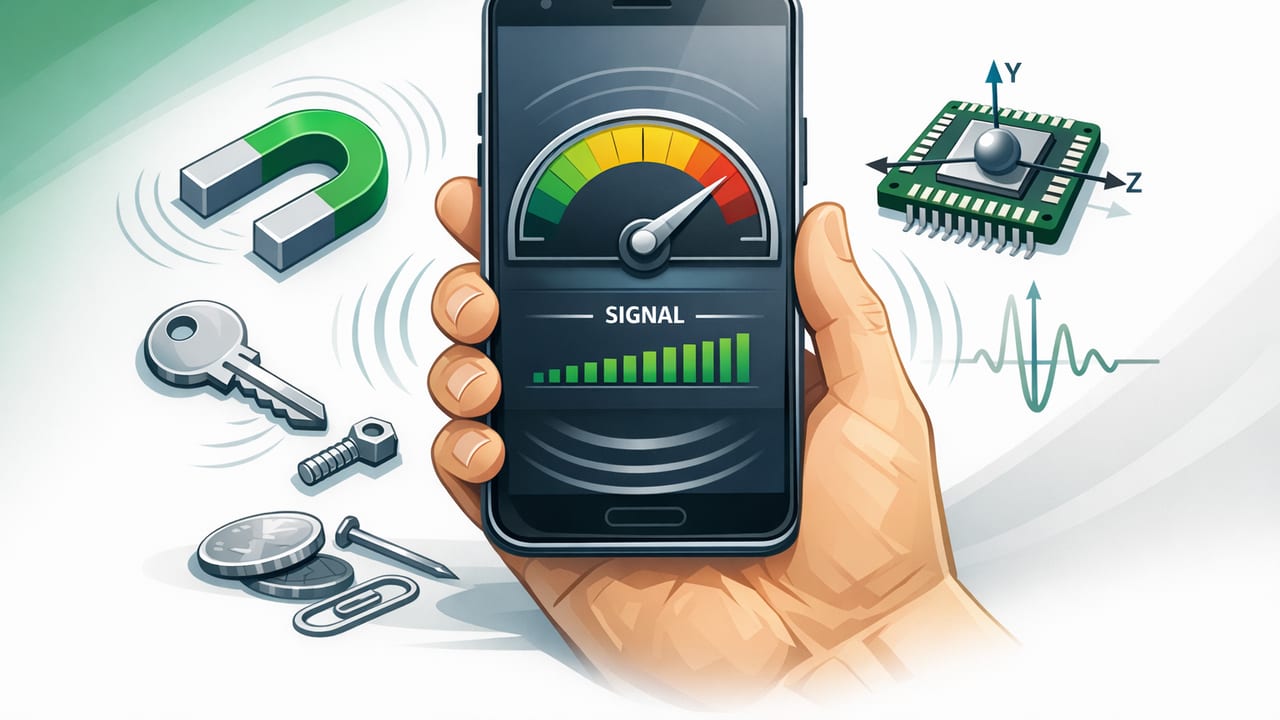
A metal detector app using phone sensors can be surprisingly useful—when you understand what it’s actually measuring. Many people download one expecting the iPhone to “sense metal” the way a dedicated detector does. In reality, these apps mainly rely on one key component in your phone: the magnetometer (a sensor that detects magnetic field strength and direction). That makes them great for certain everyday tasks (like locating hidden nails or checking for magnetic interference), but limited for others (like finding gold jewelry in sand).
This guide explains how iPhone sensor-based metal detection works, what it can and can’t find, how to get more reliable readings, and when you should use a dedicated tool instead.
What sensor does an iPhone “metal detector” use?
Most metal detection apps on iOS use the phone’s magnetometer. The magnetometer measures the surrounding magnetic field—often shown in microteslas (µT). Under normal indoor conditions, Earth’s magnetic field is typically around 25–65 µT, depending on your location. A nearby magnetic or ferromagnetic object can distort that field and create a noticeable spike.
Magnetometer vs. “metal detection”
Here’s the key idea:
- Magnetometers detect magnetic fields, not metal directly.
- They respond strongly to ferromagnetic metals (iron, steel) and magnets.
- They may respond weakly (or not at all) to non-magnetic metals like aluminum, copper, brass, gold—unless those metals are attached to or near something magnetic.
So, a “metal detector” app is usually better described as a magnetic field detector. That’s still useful—just different from what people imagine.
What can a metal detector app using phone sensors actually detect?
Apps that rely on the iPhone magnetometer typically work best when the target object is:
- Ferromagnetic (iron/steel),
- Relatively close to the phone (often within a few centimeters),
- Large enough to noticeably distort the local magnetic field.
Good real-world uses
- Finding nails/screws in wood near the surface (especially larger fasteners).
- Locating steel studs or metal corner beads behind drywall (results vary by wall thickness and plumbing/electrical noise).
- Identifying magnets in cabinet latches, phone mounts, toy parts, or closures.
- Checking for magnetic interference around speakers, motors, or power tools.
Common situations where it disappoints
- Coins, gold jewelry, aluminum cans: often minimal response.
- Deep targets: most phones can’t detect meaningful changes through thick materials or soil.
- Beach detecting: wet sand, saltwater, and distance make sensor readings inconsistent.
Rule of thumb: If a fridge magnet sticks to it, a phone-sensor “metal detector” has a much better chance of detecting it.
Phone sensor metal detection vs. a real metal detector
A dedicated metal detector uses a coil to generate and measure electromagnetic responses (often including discrimination modes to help distinguish target types). A phone magnetometer simply measures ambient magnetic fields. The difference matters.
| Feature | Metal detector app using phone sensors | Dedicated metal detector |
|---|---|---|
| Primary technology | Magnetometer (magnetic field sensing) | Electromagnetic induction (transmit/receive coil) |
| Best at finding | Steel/iron objects, magnets | Many metal types incl. coins/jewelry |
| Depth capability | Very shallow (usually centimeters) | Deeper (varies by coil, soil, target) |
| Target ID / discrimination | No true discrimination | Often yes |
| Indoor DIY use | Good for quick checks | Overkill for many indoor tasks |
How to use a metal detector app using phone sensors more effectively
Because magnetometers are sensitive to everything magnetic, good technique matters more than people expect.
1) Remove magnetic “noise” first
- Take off magnetic cases, wallet attachments, and some pop-sockets.
- Move away from speakers, power tools, large appliances, and steel furniture when testing.
- Avoid placing your phone directly on rebar mesh or large metal surfaces while calibrating.
2) Calibrate the compass/magnetometer
Many iPhones use the magnetometer for compass orientation. If your compass is off, your magnetic readings can also be unreliable. If your app offers calibration prompts, do them. Otherwise, you can often improve stability by performing the classic “figure-eight” motion in open space.
3) Scan slowly and keep distance consistent
Hold the phone the same height above the surface and move at a steady pace. Sudden tilts and quick movements can create spikes that look like “hits” but are just sensor jitter.
4) Learn your baseline reading
Before scanning a wall or workbench, point the phone away from objects and note the baseline µT value. Then scan and look for a repeatable increase/decrease at the same spot.
5) Use a grid pattern for finding hidden fasteners
- Mark a rough area (e.g., where you suspect a stud/fastener line).
- Scan horizontally across it in parallel passes, like mowing a lawn.
- When you see a repeatable spike, mark it.
- Scan vertically through your mark to confirm the center point.
Troubleshooting: Why the app shows spikes everywhere
If your readings jump constantly, the issue is usually interference rather than “too much metal.” Common causes include:
- Magnetic accessories attached to the phone.
- Nearby electronics: chargers, laptops, monitors, power strips.
- Motors and transformers: fans, microwaves, fluorescent lighting ballasts.
- Steel framing in buildings (can create broad, confusing fields).
Try this quick test: walk outside or into a more open area and watch whether the baseline becomes smoother. If it does, your indoor environment is the problem—not the sensor.
Safety and practical limits (important for DIY)
A phone-based magnetic field tool is excellent for quick exploration, but it should not be treated as a safety instrument.
- Do not use it as your only method to locate electrical wiring before drilling.
- In walls, you may detect nails or corner beads but miss a live cable.
- If you suspect wiring/plumbing, use proper stud finders with live-wire detection and follow safe drilling practices.
Also note: strong magnets can affect some devices and magnetic stripe cards. Avoid placing your phone directly against powerful magnets during testing.
Advanced: What the iPhone magnetometer data looks like (with iOS code)
If you’re curious what a metal detector app using phone sensors is reading under the hood, iOS provides magnetometer data via Core Motion on many devices. The magnetometer reports the magnetic field along X/Y/Z axes (in microteslas). A typical app may display:
- Axis values:
x,y,z - Total field magnitude:
sqrt(x^2 + y^2 + z^2)
import CoreMotion

final class MagnetometerReader {
    private let motion = CMMotionManager()

    func start(interval: TimeInterval = 0.1, onUpdate: @escaping (Double) -> Void) {
        guard motion.isMagnetometerAvailable else { return }
        motion.magnetometerUpdateInterval = interval

        motion.startMagnetometerUpdates(to: .main) { data, error in
            guard let field = data?.magneticField, error == nil else { return }
            let x = field.x, y = field.y, z = field.z
            let magnitude = (x*x + y*y + z*z).squareRoot() // microteslas
            onUpdate(magnitude)
        }
    }

    func stop() {
        motion.stopMagnetometerUpdates()
    }
}
This magnitude value is often what apps graph or convert into a simple “strength meter.” A sudden, repeatable change in magnitude while scanning can indicate a nearby magnetic source.
Best scenarios where a phone-sensor metal detector shines
Quick DIY checks
Need to confirm whether a piece of reclaimed lumber has hidden nails before running it through a saw? A phone magnetometer can help you identify likely areas to inspect more closely.
Finding magnetic latch points
Cabinet doors and enclosures sometimes contain small magnets that are hard to locate visually. A short-range scan can reveal where the magnet is embedded so you can align hardware correctly.
Diagnosing compass problems outdoors
If your compass readings seem “pulled” in a certain direction, a magnetometer view can help identify whether a tool, tripod, vehicle body, or nearby rock is causing interference.
Choosing a good iOS app for sensor-based detection
When picking an iOS tool for magnetic field detection, look for:
- Clear units (µT) and a stable live readout.
- Calibration guidance and sensor-health cues.
- Offline functionality so you can use it in basements, remote areas, or job sites with poor signal.
- No subscription lock-in if you only need occasional use.
Bottom line
A metal detector app using phone sensors is best understood as a magnetic field scanner. It’s genuinely handy for locating iron/steel fasteners, magnets, and magnetic interference at close range, especially for DIY and quick checks. But it’s not a replacement for a dedicated detector when you need depth, target identification, or reliable detection of non-ferrous metals.
If you like the idea of keeping multiple offline DIY instruments on your iPhone (level, ruler, compass, barometer, and a magnetic field/metal detector-style tool), apps such as Level Tool bundle these sensor utilities into one place without requiring a subscription.
