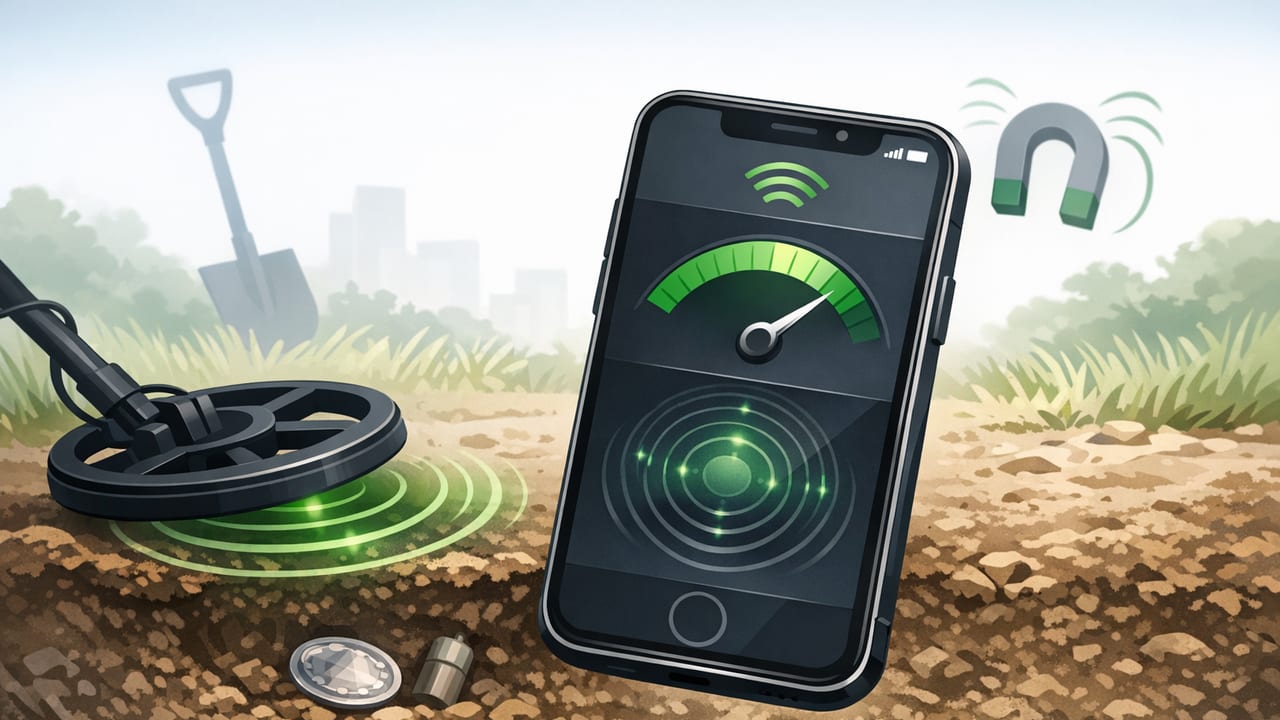
A metal detector app on iPhone can be surprisingly useful for DIY and quick checks—finding nails behind drywall, locating screws you dropped in grass, or tracing the edge of metal studs. But it’s important to understand what these apps are actually measuring, where they work well, and where they can mislead you.
This guide explains how iPhone metal detection works, a practical scanning method you can follow, ways to improve accuracy, and safety notes for home projects.
What a “metal detector app” really detects
Most iPhone metal detector apps rely on the device’s magnetometer (part of the phone’s compass system). A magnetometer measures magnetic field strength, typically in microteslas (µT). When you move your phone near certain metals, the magnetic field around the sensor changes, and the app displays that change as a stronger/weaker signal.
Metals it tends to detect well
- Ferromagnetic metals (strong effect): iron, steel, many nails/screws, some tools.
- Magnetized objects: magnets, magnetic clasps, speakers, some electronics.
Metals it may detect poorly (or not at all)
- Non-ferromagnetic metals (weak/variable effect): aluminum, copper, brass, many stainless steels.
- Thin foil or small items at a distance: the signal can be too subtle compared to background noise.
Key takeaway: a metal detector app is usually a magnetic-field detector, not a true multi-frequency metal detector like dedicated hardware.
Common DIY uses (where it’s genuinely helpful)
Used with the right expectations, an iOS metal detector app can be a handy addition to your toolbox:
- Finding nails/screws in studs before drilling or cutting
- Locating metal corner beads along drywall edges
- Checking reclaimed wood for embedded nails before sawing
- Recovering dropped hardware (screws, bits) on a shop floor or in a yard
- Identifying rebar patterns near the surface of concrete (limited depth)
Practical rule: If a refrigerator magnet would stick to the object, your phone is much more likely to “see” it with a metal detector app.
Step-by-step: a reliable scanning method for walls and floors
The biggest reason people get inconsistent results is scanning too fast or without a baseline. Here’s a method that improves repeatability.
- Set a baseline reading in a “known empty” area. Hold the phone still for 2–3 seconds and note the stable value.
- Remove magnetic interference: take off magnetic cases, pop-sockets with magnets, and keep keys/tools away from the phone.
- Choose a consistent phone orientation. The magnetometer’s sensitivity changes with orientation, so keep the phone facing the same direction during a pass.
- Scan slowly in straight lines, about 1–2 inches (2–5 cm) per second. Don’t “swirl” randomly—use a grid pattern.
- Mark peaks. When the reading spikes above baseline, lightly mark the spot with painter’s tape.
- Cross-check by scanning at 90° across your first path. Real targets tend to produce a peak that repeats and intersects.
- Map the target’s shape. Nails and screws often create a tight peak; a metal stud edge produces a longer band.
A simple grid approach (fast and effective)
For a 2 ft × 2 ft (60 cm × 60 cm) area:
- Do horizontal passes every 2–3 inches (5–8 cm), then
- Do vertical passes every 2–3 inches.
This turns “maybe I saw something” into a repeatable signal pattern you can trust more.
How to improve accuracy and reduce false positives
1) Calibrate the compass/magnetometer
If your compass seems erratic, your metal detection readings can be erratic too. Many apps guide you through calibration (often a figure-eight motion). After calibrating, return to your baseline spot and re-check stability.
2) Understand depth limits
Magnetic field strength drops quickly with distance. As a rough rule, iPhone detection works best when the target is:
- Very close (within a few centimeters) for small screws
- Moderately close for larger items (pipes, studs, rebar), depending on size and material
If the object is deep behind thick plaster, tile backer, or concrete, the signal may be too weak to separate from background variation.
3) Watch out for hidden sources of magnetism
False positives often come from:
- Speakers, motors, and appliances on the other side of a wall
- Power tools, extension cords, and transformers nearby
- Metal furniture, shelves, or even a large steel HVAC duct
4) Stabilize the reading (signal smoothing)
Many apps display raw values that jump as you move. A simple smoothing technique (like a moving average) can make peaks easier to identify. Here’s a small conceptual example of smoothing sensor readings:
// Pseudocode: moving average smoothing for magnetometer magnitude
windowSize = 10
queue = []

function onNewReading(microTeslaValue):
  queue.push(microTeslaValue)
  if queue.length > windowSize:
    queue.shift()
  smoothed = sum(queue) / queue.length
  return smoothed
You don’t need to code this yourself—just know that slower scanning + steadier hands often achieves the same effect.
What readings should you expect?
Background magnetic field varies by location (Earth’s magnetic field, nearby metal, building materials). Instead of relying on a single “good” number, focus on change from baseline and whether the peak repeats consistently.
| Scenario | Typical pattern | Best practice | Common mistake |
|---|---|---|---|
| Finding a nail behind drywall | Sharp, narrow spike | Grid scan + cross-check | Scanning too fast, missing the peak |
| Metal stud edge | Longer band/plateau | Map the band, mark both sides | Assuming the center equals the edge |
| Rebar near surface | Repeating peaks in lines | Scan in parallel passes | Expecting deep detection through thick concrete |
| Lost screw in grass | Small, inconsistent peaks | Hold phone low; sweep slowly | Holding phone too high off the ground |
Safety notes for home improvement
A metal detector app can help you avoid fasteners and metal components, but it should not be your only safety check.
- Electrical wiring: Magnetometers don’t reliably detect live wires. Use a proper stud finder with AC detection or follow building plans when available.
- Pipes: Copper pipes may not register strongly. Steel pipes are more likely to show up.
- Drilling/cutting: When in doubt, drill a small pilot hole and inspect, or open access from a safer side.
Pro tips for better results in real homes
Use painter’s tape to create a “map”
Instead of trying to remember where the signal peaked, lay down small pieces of tape for each spike. After a few passes, you’ll see a pattern (a line for a stud, clusters for a nail plate, etc.).
Compare multiple spots
Walls vary: some areas contain corner bead, screws, brackets, or mesh. Always compare the suspicious area to a nearby area you believe is clear.
Keep your phone case in mind
Some cases include magnets (MagSafe accessories, wallet attachments). These can raise the baseline or create directional bias. If results seem “always high,” remove accessories and test again.
FAQ: metal detector app on iPhone
Can an iPhone detect gold or silver?
Not reliably with typical magnetometer-based apps. Gold and silver aren’t ferromagnetic, so they usually won’t create the strong magnetic disturbances these apps depend on.
Why does the reading change when I rotate the phone?
The magnetometer senses a vector (direction + magnitude). Rotating the phone changes what the sensor sees relative to Earth’s field and nearby metal. For consistent scanning, keep orientation steady.
Will it work offline?
Yes, because the magnetometer is a local sensor. Many measurement apps run fully offline, which is useful in garages, basements, and remote job sites where signal is weak.
Is it accurate enough for professional work?
It can be a helpful secondary tool, but it’s not a replacement for dedicated detectors when you need verified depth estimates or reliable detection of non-ferrous materials.
Choosing a good iOS metal detector app: quick checklist
- Clear units and baseline: shows magnetic field strength (e.g., µT) and doesn’t hide everything behind vague “percent” bars
- Stable refresh rate: responsive but not jittery
- Calibration guidance: prompts and explanations when readings are unstable
- Offline-friendly: no need for accounts or connectivity just to use a sensor tool
- Simple UI: fast to use with one hand while you mark and measure
Putting it all together
A metal detector app on iPhone is best thought of as a magnetic anomaly finder. When you scan slowly, establish a baseline, and confirm peaks with repeatable passes, it can help you locate ferrous fasteners and metal features for DIY tasks. When you expect it to behave like specialized hardware—detecting any metal at depth—you’ll run into frustration.
If you already use an all-in-one iOS measurement toolkit, some apps (such as Level Tool) bundle a metal detector alongside other offline tools like a level, ruler, and compass, which can be convenient when you’re moving between layout, leveling, and locating tasks on the same project.
