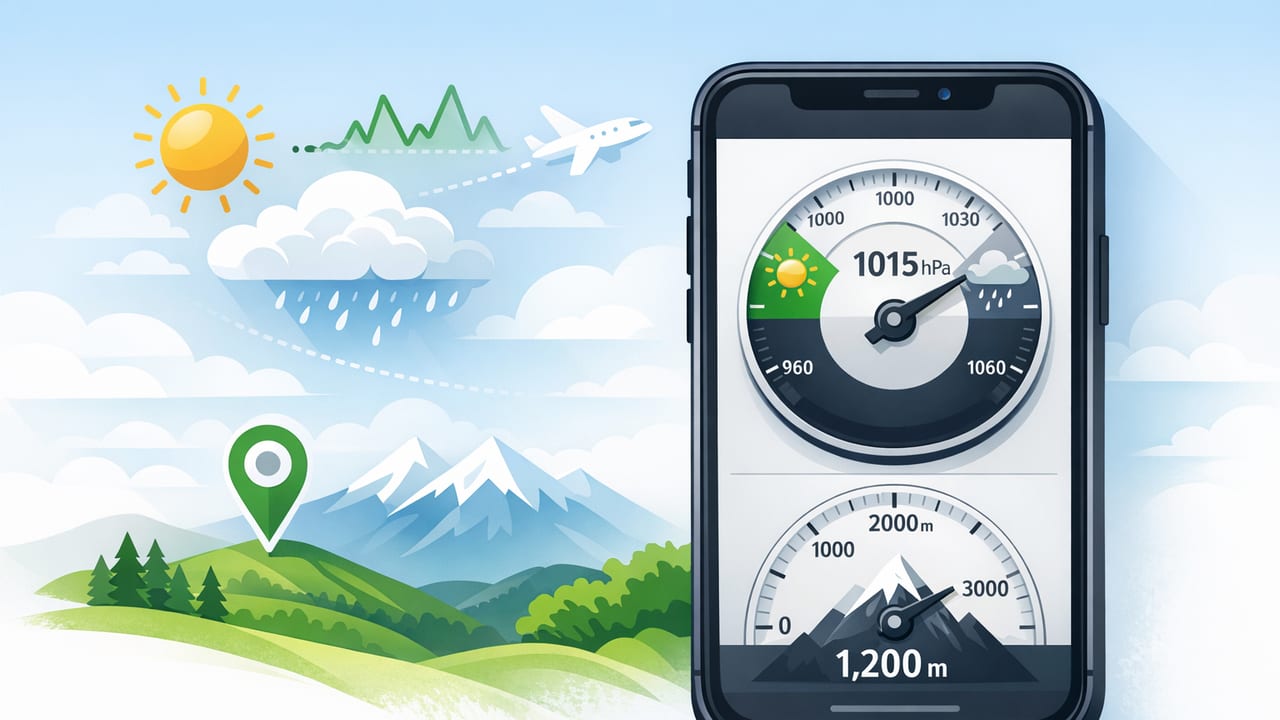
A barometer altimeter app for weather can turn your iPhone into a practical field tool: it shows air pressure trends (barometer) and elevation changes (altimeter) using on-device sensors. Whether you’re planning a weekend DIY job that depends on humidity and storms, hiking above tree line, or simply trying to understand why weather shifts so fast in your area, learning to read pressure and altitude together can give you a surprisingly useful “heads-up” without relying on a forecast feed.
This guide explains what the readings mean, how to improve accuracy, and how to use pressure trends to anticipate short-term weather changes—especially when you’re offline or outside cellular coverage.
What a barometer and altimeter actually measure
Barometer: air pressure
A barometer measures atmospheric pressure—the weight of the air above you. Most apps display pressure in:
- hPa (hectopascals) or mbar (millibars) — commonly used in meteorology (1 hPa = 1 mbar)
- inHg (inches of mercury) — common in the US
Pressure itself matters, but pressure trend (rising or falling over time) is often more useful for short-term weather.
Altimeter: relative altitude (often pressure-based)
An altimeter estimates altitude using either GPS, barometric pressure, or a blend. On iPhone models that include a barometric sensor, altitude changes can be derived from pressure changes. That means:
- You can track elevation gain/loss even when GPS is spotty (like in canyons).
- But changing weather can affect pressure, which can shift altitude estimates if not corrected.
Key idea: A barometric altimeter is excellent for relative changes (how much you climbed), but its absolute altitude can drift when pressure changes due to weather.
How iPhone barometer readings help with weather
When a weather system approaches, pressure typically changes before conditions fully arrive. A barometer altimeter app for weather is especially useful for:
- Spotting storms earlier via rapid pressure drops
- Timing outdoor work (painting, sealing, roofing) around weather shifts
- Backcountry decisions when you’re away from data service
- Learning local patterns—how your area behaves when pressure rises or falls
Pressure trend: the most practical signal
In many locations, pressure around 1013 hPa (29.92 inHg) is near “standard” at sea level, but absolute numbers vary by altitude and season. The trend is what you watch:
- Falling pressure often signals deteriorating weather (clouds, wind, precipitation).
- Rising pressure often signals improving weather (clearing skies, calmer conditions).
- Steady pressure often suggests stable conditions (though not guaranteed).
Pressure ranges and what they can suggest
Use the table below as a rough guide. Your altitude and local climate matter, so treat this as directional information rather than a promise.
| Sea-level pressure (hPa) | General signal | What to watch for |
|---|---|---|
| < 1000 | Low pressure | Wind, unsettled weather, rain/snow more likely |
| 1000–1018 | Moderate / variable | Trend matters: falling may mean worsening; rising may mean clearing |
| > 1018 | High pressure | Calmer conditions, better visibility; watch for fog in some regions |
Important: Many apps let you show sea-level adjusted pressure (normalized) or station pressure (actual at your elevation). For weather comparison, sea-level adjusted values are easier to interpret.
How to use a barometer altimeter app for weather (step-by-step)
1) Pick the right pressure view
If your app offers options, choose:
- Sea-level pressure for weather interpretation and comparisons.
- Station pressure if you care about raw sensor readings at your altitude.
2) Check the trend over at least 1–3 hours
Single readings can be noisy. The real value comes from a chart or repeated checks:
- Slow drop over several hours: weather may gradually deteriorate.
- Fast drop in under an hour: be cautious—wind and storms can follow.
- Steady climb after a front passes: conditions often improve.
3) Compare trend with what you see outside
Pressure trend is most powerful when combined with simple observation:
- Increasing high clouds + falling pressure can precede rain.
- Clearing sky + rising pressure often confirms improving conditions.
- Gusty shifts + rapid pressure drop may indicate a front approaching.
4) Use altitude changes to separate “weather drift” from “movement”
If your altitude jumps but you haven’t moved, it’s likely pressure changing due to weather (or indoor/outdoor transitions), not real elevation gain. This is where a combined barometer/altimeter view helps:
- If you’re stationary and both pressure and altitude drift, that’s likely weather-driven.
- If you’re moving uphill and altitude changes smoothly while pressure changes gradually, that’s likely terrain-driven.
Accuracy tips: get better readings from your iPhone
Calibrate altitude when you can
If your app allows calibration, set altitude using a known reference:
- Find a known elevation point (trailhead sign, topographic map, or a location with reliable elevation).
- Enter that altitude into the app to anchor the pressure-to-altitude conversion.
- Recheck calibration if a major weather front passes (pressure changes can shift the baseline).
Avoid false pressure changes
These common situations can create misleading readings:
- Indoor HVAC pressure differences: going from indoors to outdoors may cause small shifts.
- Wind gusts around buildings: turbulence can introduce minor fluctuations.
- Rapid temperature changes: while pressure sensors are compensated, quick transitions can momentarily affect stability.
Give the sensor a minute to stabilize
If you just got out of a car, changed floors, or stepped outdoors, wait 30–90 seconds before taking the reading seriously—especially for altitude.
DIY and home improvement: when pressure data is actually useful
A barometer altimeter app for weather isn’t just for hikers. Pressure changes can matter when your projects are weather-sensitive:
- Exterior painting/sealing: falling pressure may signal incoming moisture or wind—conditions that can ruin a finish.
- Concrete/patch work planning: knowing weather shifts helps you time curing windows (alongside temperature and humidity).
- Roofing and ladder work: rapid pressure drops often correlate with wind and unstable weather—use it as an extra caution flag.
Pressure trends won’t replace a full forecast, but they can help you decide whether to start a job that needs several stable hours.
Offline use: why it matters for weather awareness
One of the most practical benefits of on-device barometer data is that it can be read offline. That matters when:
- You’re in remote areas with no signal
- You want quick checks without loading maps or forecast tiles
- You’re conserving battery by avoiding continuous GPS or network use
Quick “pressure trend” checklist (field-friendly)
- Is pressure falling steadily? Plan for worsening conditions.
- Is pressure dropping fast? Consider turning back or securing outdoor work.
- Is pressure rising after a low? Conditions may improve, but watch for lingering wind.
- Is pressure steady but clouds building? Local effects can override pressure—trust what you see.
Optional: calculate pressure change rate (simple example)
If your app shows a pressure history (or you note readings), you can estimate how fast pressure is changing. Here’s a small example you can adapt to your own notes:
# Pressure change rate (hPa per hour)
# p1 at time t1, p2 at time t2

p1 = 1012.6
p2 = 1009.8
hours = 2.0

rate = (p2 - p1) / hours
print(rate)  # -1.4 hPa/hour (falling)
As a rough rule of thumb, a drop around 1–2 hPa/hour is worth paying attention to, especially if wind increases or clouds thicken.
Common questions and troubleshooting
Why does my altitude change when I’m not moving?
Because the altimeter is often pressure-based. If atmospheric pressure changes due to weather, the computed altitude can drift. Calibrate when possible or focus on relative altitude changes during a single hike/work session.
Should I trust the number or the graph?
The graph/trend is usually more useful than a single number. Short-term fluctuations happen; the overall direction is the signal.
Is sea-level pressure always better?
For general weather interpretation, yes. For understanding what the sensor reads at your actual elevation (useful for some technical contexts), station pressure is fine—but harder to compare across places.
Safety note: use pressure as a supplement, not your only source
Pressure trend can provide early clues, but it won’t replace official alerts for severe storms, lightning, wildfire conditions, or marine hazards. When safety is on the line, combine sensor readings with local advisories and conservative decision-making.
Choosing a good iPhone barometer/altimeter app (what to look for)
Not all apps present sensor data in an equally useful way. Prioritize:
- Clear pressure trend chart (hours and days)
- Sea-level pressure option
- Altitude calibration (manual entry or reference-based)
- Offline operation (no required account or subscription for core features)
- Clean units control (hPa/mbar and inHg, meters/feet)
If you prefer an offline toolkit that includes barometer/altimeter alongside other measurement tools, Level Tool is one example of an iOS option that combines multiple utilities in a single app without requiring a subscription.
