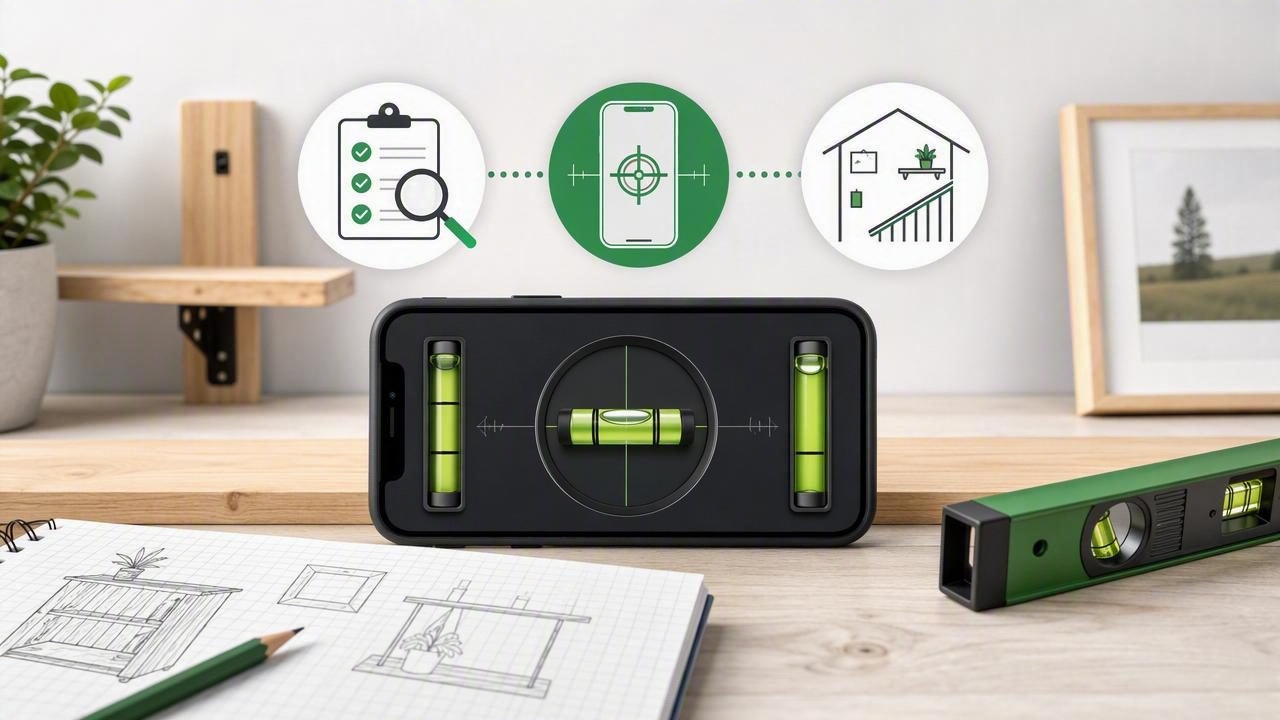
A no subscription level app can be a practical addition to an iPhone toolkit for homeowners, renters, DIY enthusiasts, and tradespeople who need quick leveling checks without another recurring payment. Used correctly, an iPhone can help you check whether a shelf is level, compare the tilt of two surfaces, set a picture frame straight, or estimate a slope during a home improvement project.
However, a level app is not automatically accurate just because it displays a digital bubble or angle. The quality of the result depends on the iPhone's sensor readings, the app's calibration options, the condition of the surface, and how consistently you position the phone. Choosing an app with permanent offline access is only the first step. Understanding how to use it is what makes it useful.
What Is a No Subscription Level App?
A no subscription level app is an iOS measurement tool that provides leveling or angle readings without requiring an ongoing monthly or annual payment to keep its core features available. Instead of relying on a cloud service, these apps generally use the motion sensors already built into your iPhone.
Most useful level apps interpret data from the device's accelerometer and gyroscope to show whether a surface is level, plumb, or tilted by a certain number of degrees. Depending on the app, you may see a traditional bubble-style display, a digital degree readout, a dual-axis level, or all three.
For DIY work, offline functionality matters because many measurement tasks happen where connectivity is inconvenient or unreliable. You may be in a garage, a basement, an unfinished room, a workshop, a campsite, or beside an RV. A core level tool that works offline lets you take readings without waiting for a connection.
Why Subscription-Free Access Matters for Measurement Tools
A phone level is often a utility rather than an entertainment app. You may not use it every day, but you want it available when it is time to install a floating shelf, adjust an appliance, or check a workbench. A subscription can be inconvenient for a tool that is needed occasionally and should remain usable for basic measurement tasks.
When comparing options, look beyond the phrase “no subscription.” Check what is actually available after installation. Some apps may provide a basic display while placing calibration controls, tolerance settings, sound feedback, or other important tools behind an account or recurring plan. Read the feature description carefully before depending on an app for a project.
- Offline operation: Core level and angle readings should work without Wi-Fi or mobile data.
- Permanent access: Essential measurement functions should remain available without a recurring payment.
- Clear controls: You should be able to understand the display quickly while holding the phone against a surface.
- Calibration support: A level app should let you establish or adjust a reference when needed.
- Useful feedback: Visual targets, sound, or haptic cues can help you make small adjustments without constantly watching the screen.
Essential Features to Look for in an iPhone Level App
The best feature set depends on the type of work you do. Still, a few functions are especially valuable for accurate and repeatable DIY measurements.
Bubble Level and Digital Angle Readings
A bubble level interface is familiar and easy to interpret: center the bubble to reach level. A digital angle readout adds more detail by showing the amount of tilt in degrees. Together, these views are helpful because the bubble offers a quick visual reference while the angle value helps you make controlled adjustments.
For example, if a shelf reads 0.8° downward on the right, you know it is not merely “a little off.” You have a measurable direction and amount to correct. Once the shelf is adjusted, checking again helps confirm whether the reading is close to 0.0°.
Dual-Axis Leveling
A single-axis reading checks tilt in one direction. Dual-axis leveling checks two directions at once, which is useful when leveling a tabletop, washing machine, workbench, camping table, or RV surface. A surface can appear level from front to back while still leaning from side to side, so two-axis feedback reduces the chance of missing one direction.
Calibration and Reference Settings
Calibration is among the most important features in a level app. Your phone case, camera bump, screen protectors, or tiny variations in how the phone sits on a surface can influence the result. A calibration process allows you to define a known reference position or correct a repeatable offset.
Calibration does not turn a phone into a certified surveying instrument. It simply helps the app produce more reliable readings for the way you are using that specific device. For the best results, calibrate on a surface you have reason to trust, then verify the reading using a repeatable check.
Tolerance, Targets, Sound, and Haptics
A strict 0.0° target is not always necessary. When hanging a decorative frame, a small tolerance may be acceptable. When setting a machine or building a shelf, you may want a tighter target. Tolerance controls can make the display more practical by indicating when your reading falls within your chosen range.
Sound and haptic feedback are also useful during adjustment. If you are turning a leveling foot on an appliance or shimming a table, feedback can tell you when you are approaching the target without requiring you to stare at the screen throughout the process.
How to Test Repeatability Before Starting a Project
Repeatability means getting a similar reading when you measure the same surface in the same way more than once. It is a more realistic DIY goal than assuming any one reading is perfect. Before relying on a no subscription level app, perform a simple test.
- Place the iPhone flat against or on a clean, stable surface.
- Wait briefly for the displayed angle to settle.
- Note the reading, such as 0.3°.
- Lift the phone and place it back in the same position.
- Repeat this three to five times.
- Compare the readings for consistency.
If the readings vary significantly, check whether the surface is uneven, whether the phone is rocking on its camera bump or case, or whether your hand placement is changing the phone's position. Removing a thick case may help the device sit more consistently. Always place the same side of the phone against the work surface when comparing readings.
Concrete Example: Leveling a Wall Shelf
Consider a 36-inch wall shelf installed between two brackets. After loosely securing the shelf, place the iPhone directly on the shelf surface with the same edge aligned along the shelf's length. Do not hold the phone in the air; actual contact with the surface is necessary for a meaningful level reading.
Suppose the app shows the right side is 1.2° lower than the left. Raise the right bracket slightly or add a suitable shim, then place the phone back in the same location. Continue with small adjustments until the display reaches your chosen target, such as 0.0° or a narrow tolerance around it.
Next, move the phone to another point along the shelf and repeat the check. If the reading changes noticeably, the shelf itself may be bowed, the wall may be irregular, or the phone may not be sitting flat. In that case, use multiple checks rather than assuming one position represents the entire installation.
Finally, inspect the shelf visually and test it with an appropriate light load. A level reading helps with alignment, but it does not confirm that brackets are attached to suitable anchors, that fasteners are secure, or that the shelf can safely support the intended weight.
Where an iPhone Level App Works Well
| DIY task | How a level app can help | Important check |
|---|---|---|
| Hanging frames | Aligns the frame edge horizontally. | Measure on the frame itself, not only the wall. |
| Installing shelves | Checks the shelf after bracket adjustment. | Test more than one position along the shelf. |
| Leveling appliances | Helps compare front-to-back and side-to-side tilt. | Follow the appliance manufacturer's setup guidance. |
| Workbenches and tables | Identifies a lean that may affect projects. | Check for a warped top or uneven floor. |
| RV or camper setup | Provides a quick two-direction leveling reference. | Use appropriate wheel chocks and leveling equipment. |
| Checking slopes | Shows the approximate angle of a surface. | Use specialized tools where codes or drainage requirements apply. |
Limitations You Should Understand
An iPhone level app is useful for everyday alignment work, but it has limits. It should not replace equipment required for structural, engineering, legal, safety-critical, or code-regulated measurements. For example, do not rely on an app alone to establish drainage grades, verify building compliance, set critical machinery, or make decisions involving structural loads.
Phone-based readings can also be affected by uneven surfaces, a device case, a protruding camera module, vibration, and inconsistent placement. The app cannot determine whether the surface underneath the phone is flat. If a board is twisted or a countertop is bowed, the reading represents the exact contact point, not the entire object.
Likewise, a level app cannot automatically lift or stabilize a vehicle. When leveling an RV, camper, trailer, or appliance, use proper physical supports, follow manufacturer guidance, and prioritize safe positioning. The phone provides measurement information; it does not replace the hardware or safety procedures needed to make an adjustment.
Simple Habits for More Reliable Results
- Use a clean, stable contact surface whenever possible.
- Keep the phone orientation consistent between comparison readings.
- Calibrate when your device setup changes or readings seem questionable.
- Take multiple readings rather than trusting a single measurement.
- Use a long straightedge or traditional level to cross-check larger installations.
- Choose a tolerance that matches the task instead of chasing perfection unnecessarily.
Choose a Tool You Can Use When You Need It
A no subscription level app is most valuable when it is straightforward, available offline, and designed around repeatable measurement habits. Look for clear level and angle views, calibration support, sensible tolerance options, and feedback that helps you make controlled adjustments. Then combine the app's readings with careful placement, repeat checks, and the right physical tools for the job.
For an example of setting a reference and checking angles with an iPhone, see Level Tool's practical guide to measuring angles on iPhone.
