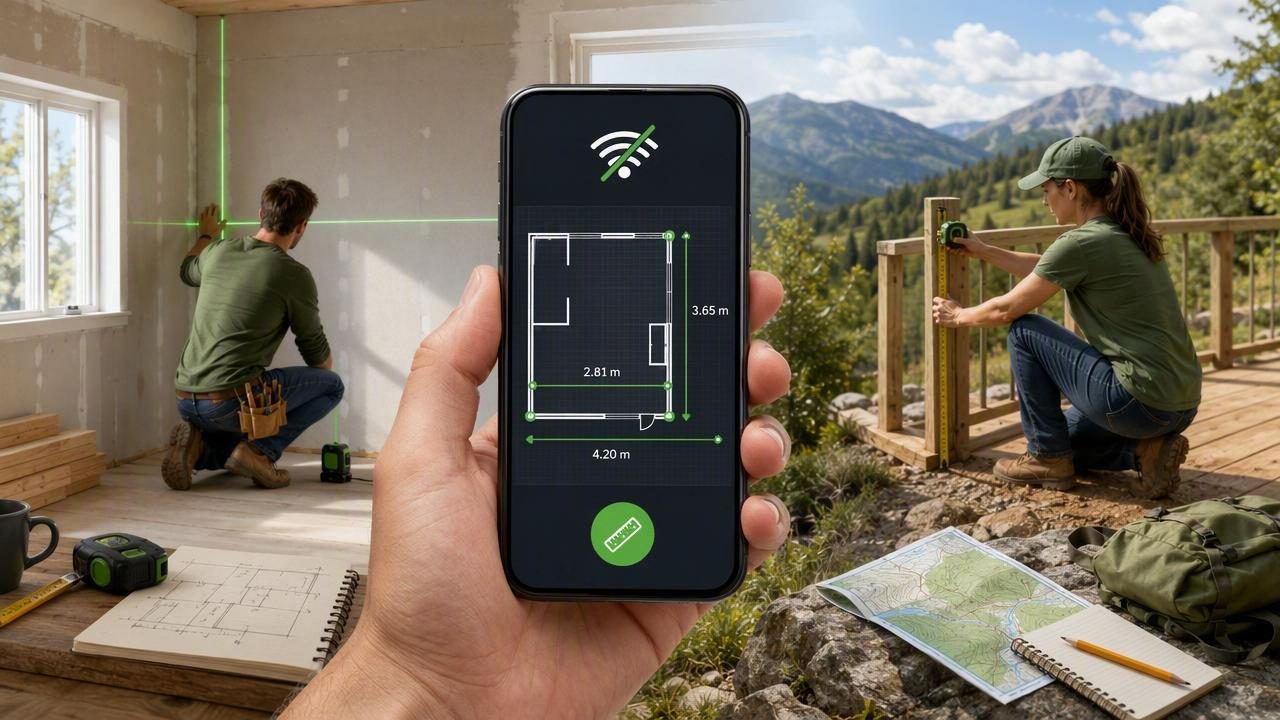
When a home project takes you into a garage, basement, workshop, backyard, or remote job site, a reliable internet connection is not always available. That should not prevent you from checking whether a shelf is level, measuring a small surface, finding a direction, or monitoring changes in air pressure before heading outdoors.
An offline measuring app gives iPhone users access to practical measurement tools without depending on Wi-Fi, mobile data, account logins, or recurring subscriptions. By using sensors already built into a phone, these apps can support everyday DIY tasks, home improvement planning, and outdoor navigation in places where connectivity is limited or nonexistent.
This guide explains how offline measurement tools work, where they are most useful, what accuracy limits to understand, and how to use them responsibly for better results.
What Is an Offline Measuring App?
An offline measuring app is a mobile application that continues to provide its main functions without an active internet connection. Instead of sending information to a cloud service, it uses your iPhone’s onboard hardware and local software processing.
Depending on the app, available tools may include:
- A bubble level or digital spirit level
- An inclinometer for measuring tilt and angles
- A ruler for short, on-screen measurements
- A compass for direction finding
- A barometer for atmospheric-pressure readings
- A metal detection utility that responds to magnetic fields
- Laser-style alignment guides for visual layout
The key benefit is independence. Once the app is installed, you can open it in a shed with poor reception, a newly built home without internet, an underground space, or a campsite far from cell towers.
Why Offline Functionality Matters for DIY and Home Improvement
Many people assume every app needs a network connection. In reality, core measuring tasks often do not. Your iPhone includes motion sensors, a magnetometer, and, on supported models, a barometric sensor. These components can produce useful readings locally.
For DIY work, offline access can be especially valuable because projects rarely happen in ideal conditions. You may be standing on a ladder, working in an unfinished room, or moving between the house and garden. Opening a tool instantly is more convenient than searching for a physical level or waiting for an online service to load.
Common situations where offline tools are useful
| Situation | Helpful Offline Tool | Practical Use |
|---|---|---|
| Hanging a picture gallery | Bubble level | Check that frames align horizontally. |
| Building a planter box | Inclinometer | Verify edges, legs, and surfaces are square or level. |
| Installing a small shelf | Level and ruler | Mark a straight mounting line and check spacing. |
| Checking a patio drainage slope | Angle meter | Identify whether water will flow away from the house. |
| Hiking or camping | Compass and barometer | Maintain direction and observe pressure trends. |
| Searching around hardware | Metal detector | Locate magnetic metal items in a limited area. |
How Phone Sensors Support Measurement Tools
Understanding the sensors in your device helps you know when to trust a reading and when to double-check it. An offline measuring app does not create measurements from the internet; it interprets sensor data produced by your phone.
Accelerometer and gyroscope
The accelerometer detects movement and gravity, while the gyroscope tracks rotation. Together, they enable digital level and inclinometer functions. When you rest the phone on a flat surface, the app can compare its orientation with gravity and display the degree of tilt.
This is useful for checking horizontal and vertical alignment. A dual-axis display can be particularly helpful because it shows tilt in two directions at once, helping you see whether a surface is both level from side to side and front to back.
Magnetometer
The magnetometer senses magnetic fields. Compass tools use it to estimate heading, while metal detector features can indicate changes in the surrounding magnetic field. Keep in mind that nearby steel, magnets, electronics, wiring, and vehicles can affect readings.
Barometric sensor
On compatible iPhone models, a barometric sensor can report atmospheric pressure. A single pressure reading is less informative than a pattern over time. Falling pressure may suggest changing weather conditions, while rising pressure can indicate an improving trend. It is a useful observation tool, not a replacement for official local weather alerts.
Getting Accurate Results From an Offline Measuring App
Phone-based measurement tools are convenient, but accuracy depends on how you use them. Follow a simple process before relying on a reading for a home improvement task.
- Use a stable surface. Place the phone flat against the surface you are testing. Avoid soft cushions, warped boards, or loose materials.
- Remove bulky cases when needed. A thick or uneven case can prevent the phone from sitting flush, especially when checking a narrow edge.
- Calibrate if the app provides calibration. Place the device on a known level surface, complete the calibration steps, and repeat if readings seem inconsistent.
- Let the reading settle. Hold the phone still for a moment. Small hand movements can cause the displayed angle to fluctuate.
- Measure twice. Rotate the phone 180 degrees and compare results. If the reading changes significantly, recalibrate or test another surface.
- Confirm critical work with professional tools. For structural, safety-sensitive, or code-regulated projects, verify measurements with a dedicated level, tape measure, or professional instrument.
Digital tools are excellent for quick checks and layout guidance, but careful setup is what turns a convenient reading into a dependable DIY decision.
DIY Projects That Benefit From Offline Measurement Tools
Offline measurement apps are most valuable when they solve small, frequent problems. Here are several ways to incorporate them into your workflow.
1. Leveling shelves, cabinets, and wall decor
Before drilling holes, place your phone along the shelf, mounting rail, or straightedge. Use the level display to confirm the surface is horizontal. For wall decor, mark the desired hanging points first, then use a long straightedge with the phone resting on it to create a level reference line.
For a group of frames, measure the spacing between pieces with a physical tape measure, then use the level tool to ensure the top edges follow one consistent line.
2. Checking slopes for drainage
Patios, walkways, and outdoor surfaces should generally direct water away from a structure. An inclinometer can show whether a surface has a noticeable fall and whether that fall is moving in the intended direction. Take several readings across the area rather than trusting one spot.
If drainage is poor, consult a qualified contractor before making major grading changes. Water management can affect foundations, neighboring properties, and local building requirements.
3. Setting up furniture and appliances
A level washing machine, desk, workbench, or freestanding cabinet is easier to use and may perform better. Put the phone on the top surface, check both axes, and adjust the appliance feet or furniture glides gradually. Recheck after each adjustment because changing one corner can affect the others.
4. Outdoor navigation and trip planning
An offline compass is helpful when hiking, boating, geocaching, or navigating a large property. Before depending on it, calibrate the compass away from cars, metal railings, and strong electronic devices. Carry a dedicated compass and paper map for extended backcountry travel, because battery life and sensor interference remain real limitations.
Offline vs. Cloud-Dependent Measurement Apps
Both types of apps can have a place, but they serve different priorities. Cloud-connected apps may offer syncing, shared project files, maps, or online data. Offline tools focus on immediate access to core functions.
| Feature | Offline Measuring App | Cloud-Dependent App |
|---|---|---|
| Works without service | Yes, for core functions | May be limited |
| Startup reliability | Usually immediate | Can depend on connection |
| Privacy considerations | Often less data transmission | May involve accounts and syncing |
| Remote DIY suitability | Strong | Varies by location |
| Collaborative sharing | May be limited | Often stronger |
Important Limits to Keep in Mind
An iPhone is a versatile tool, but it is not a substitute for every specialized instrument. A screen ruler is useful for small reference measurements, yet it cannot replace a tape measure for room dimensions. A magnetic field detector may help locate certain metal objects, but it cannot reliably identify every stud, pipe, wire, or hidden hazard.
Similarly, a phone level can be highly practical for household alignment, but professional construction work may require calibrated equipment with documented tolerances. Never drill, cut, excavate, or alter electrical or plumbing systems based only on a mobile reading. Use appropriate detectors, plans, and qualified professionals where safety is involved.
Choose Tools You Can Access When You Need Them
The best measurement tool is often the one available at the moment a question arises. An offline measuring app keeps useful DIY, home improvement, and navigation functions within reach when data service is weak, unavailable, or simply unnecessary.
Look for an app with clear readings, calibration options, tools that match your usual projects, and a design that works fully without a subscription or connection. For iPhone users who want a compact set of sensor-based utilities, Level Tool is one option designed to keep essential measurements available offline.
Used with sensible precautions and occasional verification from dedicated equipment, offline measurement tools can help you plan faster, work more confidently, and stay prepared wherever your next project takes you.
