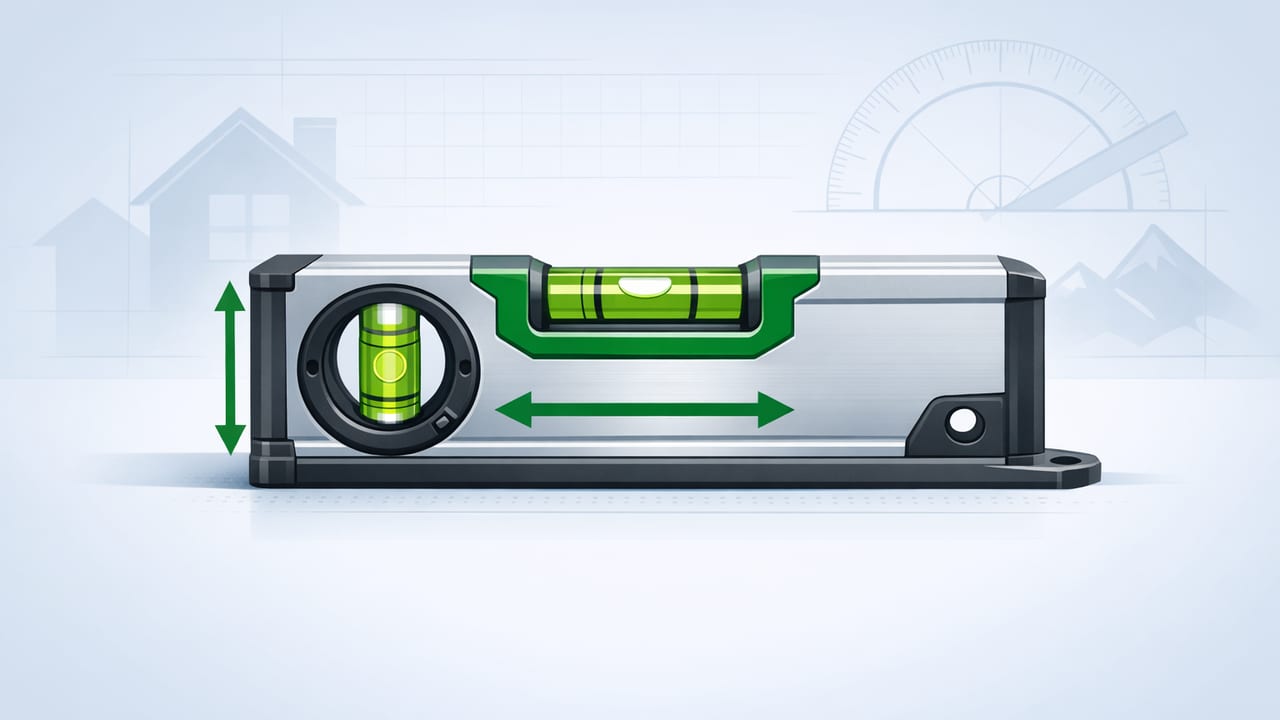
A level is one of those tools you don’t think about until something looks “off.” A shelf that subtly tilts, a washer that walks across the floor, tile lines that drift—these issues often come from checking level in only one direction. That’s where a dual axis level helps: it measures tilt on two axes at once (front-to-back and side-to-side), giving you a more complete picture of how flat or plumb something really is.
This guide explains what dual-axis leveling means, when it matters most in home improvement, and how to get accurate results using an iOS app that leverages your iPhone’s sensors—especially useful when you want an offline measurement tool on the job site.
What is a dual axis level (and how is it different)?
A traditional bubble level typically indicates tilt along a single line at a time (one dimension). You rotate the tool to check another direction. A dual axis level reads two perpendicular directions simultaneously, similar to a 2D spirit level used for precise setups.
Single-axis vs. dual-axis: practical differences
| Feature | Single-axis level | Dual axis level |
|---|---|---|
| What it measures | Tilt in one direction at a time | Tilt in two directions simultaneously |
| Best for | Quick checks: shelves, frames, studs | Setups that must be flat in 2D: appliances, pads, platforms |
| Workflow | Check, rotate 90°, check again | Check both axes at once, then fine-tune |
| Common failure mode | “Looks level” in one axis but still twists | Less likely to miss compound tilt |
In other words: if you’ve ever leveled something left-to-right only to discover it’s still pitching forward, you’ve run into the limitation that dual-axis leveling solves.
Why dual-axis leveling is more accurate for real projects
Many DIY tasks don’t fail because one direction is off by a lot—they fail because both directions are slightly off. Small errors combine into visible problems:
- Twist: one corner is higher than the opposite corner.
- Compound slope: a surface is sloped diagonally, not purely left-right or front-back.
- Misleading reference: you level relative to an already-tilted surface (countertop, floor, subfloor).
Rule of thumb: If the object has four corners and needs to sit flat, a dual axis level check is usually worth doing.
Top DIY scenarios where a dual axis level matters most
1) Leveling appliances (washers, dryers, refrigerators)
Appliances are classic “2D problems.” A washer that is slightly off in both axes can vibrate, walk, and sound louder. Use a dual-axis readout to dial in each adjustable foot until both axes are near zero.
2) Setting cabinets, vanities, and countertops
Cabinet runs often look fine until doors swing open or gaps grow uneven. Dual-axis readings help you avoid a cabinet that’s level along the face but pitched forward—especially important before fastening to studs.
3) Tile prep: flattening a small area before you commit
Whether you’re tiling a backsplash or floor, checking the flatness of a work surface in two axes can reveal dips you won’t catch by checking a single line. It’s not a replacement for a long straightedge, but it’s a great spot-check tool.
4) Workbenches, tool stands, and 3D printers
If you build a bench, mount a miter saw, or set up a 3D printer, dual-axis leveling reduces wobble and improves repeatability. For machines, a stable, flat base is often more important than “level to the Earth,” but the measurement process is the same.
5) RV, camper, and trailer leveling
Dual-axis leveling is ideal when you’re stabilizing a trailer: you can quickly see which direction needs blocks or jack adjustments without guessing from feel.
How an iPhone measures level (and what affects accuracy)
Most iOS level apps use the iPhone’s accelerometer and gyroscope to infer orientation relative to gravity. This can be very accurate, but your results depend on how you use the phone.
Common sources of error
- Case thickness or camera bump: the phone may not sit flat.
- Uneven contact: dust, grout lines, or textured surfaces create a wobble point.
- Calibration drift: a drop or temperature change can slightly shift sensor bias.
- Hand pressure: pressing the phone down can flex a surface (especially drywall).
None of these make iPhone leveling “bad”—they just mean you need a consistent method.
Step-by-step: using a dual axis level on iPhone the right way
- Pick a reliable reference surface (or create one). If the floor is uneven, use the object’s own top surface as the reference and focus on stability/flatness.
- Remove wobble. If the phone rocks, place a thin, rigid shim (like a card) under the low corner or use a flatter spot.
- Calibrate once per job. Most level apps offer a calibration/zero function. Calibrate on a surface you trust (a known flat benchtop or a verified bubble level).
- Read both axes. Watch the X (left-right) and Y (front-back) tilt together; adjust one variable at a time (e.g., one foot or one shim point).
- Confirm by rotating 180°. Without changing the phone’s placement point, rotate it end-to-end. If the reading changes significantly, your surface contact or calibration needs attention.
Pro tip: use “bracketing” to chase the last fraction
When you’re very close, alternating between small adjustments can overshoot. Instead, approach from both sides: intentionally go a hair past level, then return. This helps you find the true neutral point and reduces “false zeros” caused by friction or flex.
Degrees, slope, and what numbers to aim for
Level apps may show tilt in degrees, sometimes with a bubble visualization. For many home projects, you don’t need perfection—you need consistency and a tolerance that matches the task.
- Wall décor / frames: within ~0.3° is typically visually straight.
- Shelves and cabinet faces: aim for ~0.2° or better if possible.
- Appliances and machines: prioritize stability; try for near 0° on both axes.
If you prefer slope (rise over run) instead of degrees, here’s a simple conversion you can use in a shortcut, spreadsheet, or script.
// Convert degrees to slope percentage
// slope% = tan(deg * pi/180) * 100
function slopePercent(deg) {
  return Math.tan(deg * Math.PI / 180) * 100;
}

// Example: 1 degree ≈ 1.745% slope
console.log(slopePercent(1).toFixed(3));
This is handy for tasks like setting slight drainage away from a foundation or checking whether a surface is intentionally pitched.
Troubleshooting: when your dual-axis readings don’t make sense
Problem: The reading changes every time you set the phone down
- Clean the contact area (dust acts like tiny ball bearings).
- Remove or account for a thick case.
- Use a consistent placement point and orientation.
Problem: X-axis looks level, but Y-axis keeps drifting
- Make sure the phone isn’t bridging over a seam, grout line, or edge.
- Try rotating the phone 90°; if the issue follows the phone, recalibrate.
Problem: Two “flat” surfaces disagree
- That’s common: floors, counters, and walls are often not perfectly true.
- Decide what matters: level-to-gravity (looks right) or fit-to-existing (aligns with surrounding materials).
Dual-axis leveling workflow examples
Example A: leveling a washing machine
- Place the phone on the washer top near the front edge.
- Adjust the front feet until the front-back axis is close to 0°.
- Move the phone near the left and right sides to confirm the side-to-side axis and reduce twist.
- Lock the feet and re-check both axes in two different spots.
Example B: shimming a cabinet box before fastening
- Place the phone on the cabinet’s top panel.
- Shim the low corners until both axes settle near 0°.
- Re-check after tightening screws—fasteners can pull a box out of square.
Why offline measurement tools matter on real job sites
Many DIY spaces (basements, garages, cabins, outdoor builds) have unreliable connectivity. An offline iOS app is useful because:
- It launches fast without waiting on a network.
- It works in remote areas for navigation and measurement workflows.
- It avoids interruptions from sign-in screens or subscription prompts.
If you keep multiple tools in one place—level, ruler, compass, barometer for weather shifts during outdoor work—you can reduce gear clutter while still getting dependable readings.
Quick checklist: getting the most from a dual axis level
- Calibrate at the start of each project.
- Minimize rocking (case off if needed, avoid seams).
- Check in two spots to detect twist.
- Rotate 180° to validate your setup.
- Chase stability, not just a perfect number, for machines and appliances.
Used this way, a dual axis level becomes less about “getting to zero” and more about making assemblies look right, function smoothly, and stay put.
Gentle note: If you prefer an offline iOS toolkit that includes a dual-axis level alongside other measurement utilities, you can explore Level Tool as one option.
