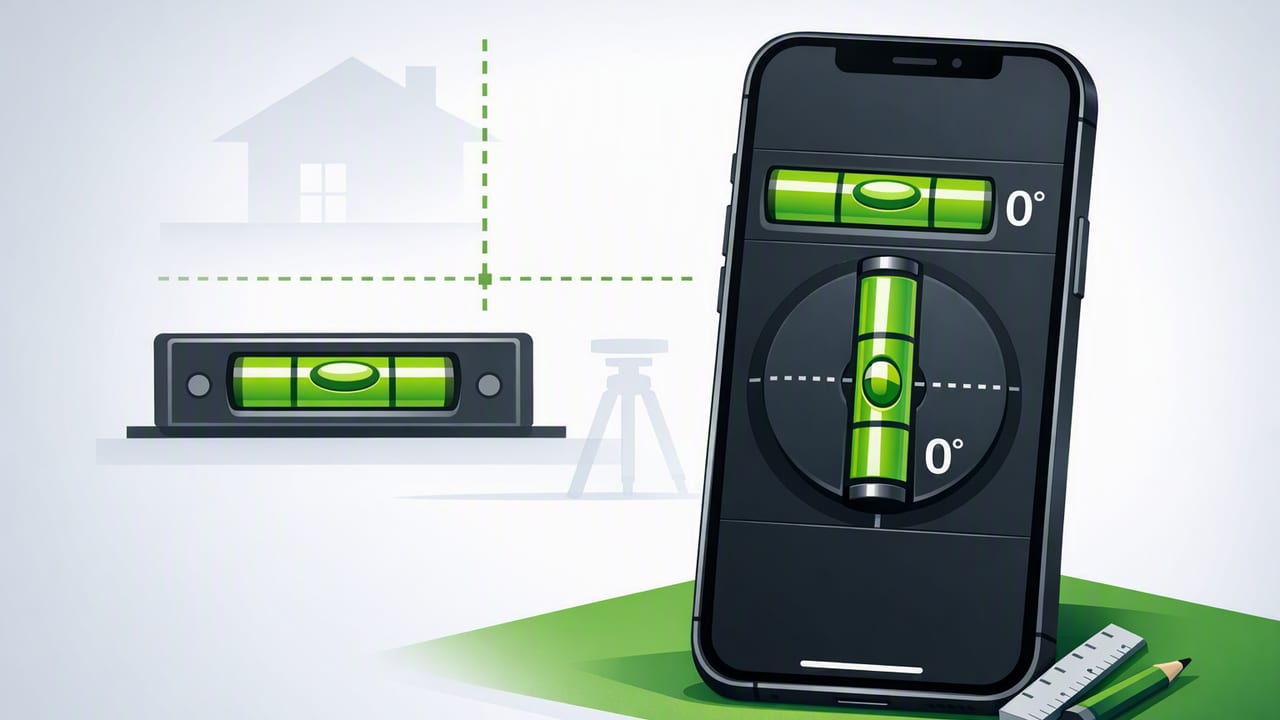
A bubble level is one of those tools you don’t appreciate until you’re hanging a shelf, squaring a picture wall, setting a washing machine, or aligning a workbench—and suddenly every millimeter matters. The good news: modern iPhones include high-quality motion sensors that can turn your device into a surprisingly capable level. Even better, a dual axis bubble level iPhone app can show tilt in two directions at once, helping you level faster and with fewer re-checks.
This guide explains what “dual-axis” actually means, how these apps measure angles, how to calibrate for reliable results, and how to use them for common DIY and professional tasks—without overcomplicating it.
What “Dual-Axis” Means (And Why It’s Faster)
Traditional spirit levels usually focus on one plane at a time: you check left-to-right (roll) or forward-to-back (pitch). A dual-axis level shows both simultaneously. That matters because real-world surfaces aren’t tilted in just one direction.
Single-axis vs. dual-axis leveling
| Feature | Single-Axis Level | Dual-Axis Level |
|---|---|---|
| What it shows | Tilt on one plane at a time | Tilt on two planes at once (pitch + roll) |
| Common workflow | Adjust, re-check from another angle, repeat | Adjust while watching both axes in real time |
| Best for | Quick checks, long straight edges | Shelves, appliances, tripods, mounts, small surfaces |
| Typical advantage | Simple, familiar | Fewer iterations and fewer “almost level” mistakes |
In practice, dual-axis is most useful on shorter surfaces (shelves, brackets, small machinery feet, camera rigs) where you can’t easily reposition a long spirit level—and where tiny diagonal tilt is easy to miss until the job is “finished.”
How a Dual-Axis Bubble Level iPhone App Measures Tilt
Your iPhone uses a combination of sensors to estimate orientation:
- Accelerometer: measures acceleration, including gravity, which provides a stable “down” reference when you’re not moving.
- Gyroscope: measures rotation and helps smooth motion and improve responsiveness.
- Sensor fusion: iOS combines signals to reduce noise and drift for a steadier angle readout.
A level app typically turns those sensor readings into degrees (or sometimes % slope) for pitch and roll. A classic “bubble” UI is just a friendly way to visualize the same numbers.
Key idea: the phone isn’t guessing based on the camera. It’s measuring orientation from motion sensors. That’s why lighting and texture usually don’t matter.
Accuracy: What’s Realistic for iPhone Leveling?
With good technique, many users can achieve excellent practical accuracy for DIY tasks. However, accuracy depends on how you use the phone:
- Surface contact: a flat, stable contact area gives more consistent results than balancing on an edge.
- Case thickness: some cases are slightly uneven; if the phone rocks, the reading will vary.
- Vibration/motion: movement introduces noise—especially on ladders or near running machinery.
- Calibration: the biggest controllable factor. Calibrate once, verify occasionally.
If you need certified accuracy for structural work, you’ll still want professional instruments and documented procedures. But for everyday alignment—shelves, frames, appliances, trailer/RV leveling, tool setup—a dual-axis iPhone level is often more than sufficient.
Calibration: The Step Most People Skip (But Shouldn’t)
Calibration ensures “0.0°” on your app matches true level. Many apps include a one-tap calibration, but the method matters. Here’s a reliable, repeatable approach you can use at home or on-site.
Simple two-step calibration (recommended)
- Pick a stable reference surface (a heavy countertop, a thick shelf, or a sturdy workbench). Avoid wobbly folding tables.
- Place the iPhone flat (screen up) and let the reading settle for 2–3 seconds.
- Calibrate/zero the app.
- Rotate the phone 180° in the same spot (top becomes bottom) without changing location.
- Check the reading again. If it’s not near 0.0°, your surface may not be level—or the phone is rocking. Try another surface and repeat.
Why rotate 180°? If the surface is slightly off-level, the error flips sign when you rotate. That makes it easier to spot whether the issue is your reference surface or your contact stability.
Quick verification before a critical task
- Test on two different known-flat surfaces (e.g., countertop and a thick glass table).
- Confirm readings are consistent after rotation.
- If values drift, remove the case and clean dust/grit from the contact edge.
Best Practices for Consistent Readings
These small habits noticeably reduce “mystery tilt” and rework:
- Use the same edge of the phone for the entire task (don’t switch between bottom edge and side edge mid-job).
- Remove bulky cases if they wobble or have rounded edges.
- Let the numbers settle for a second before making fine adjustments.
- Beware of magnets/metal attachments that can introduce uneven contact (especially with kickstands).
- Work in a stable stance—if you’re on a ladder, set the phone down against the surface rather than holding it freehand.
Step-by-Step: Common DIY Jobs Where Dual-Axis Shines
1) Hanging shelves (no more “looks level”)
- Place the shelf on brackets loosely (or hold it in position).
- Set the phone on the shelf near the center and read both axes.
- Adjust one bracket until the left-right axis is near 0.0°.
- Adjust shims or bracket depth until the front-back axis is near 0.0°.
- Re-check at the left and right ends to catch twist.
Tip: If the shelf is narrow, set the phone lengthwise for better stability, or rest it against a straightedge.
2) Leveling appliances (washer/dryer, fridge)
Appliances often need both axes correct to reduce vibration, noise, and walking.
- Place the phone on a flat rigid spot (top panel for washers, interior floor for fridges).
- Adjust the front feet to correct left-right tilt.
- Adjust front-to-back using the rear feet or leveling mechanisms.
- Re-check after running a quick cycle (for washers) to ensure it didn’t settle.
3) Mounting a TV or monitor bracket
- Use dual-axis to ensure the bracket plate isn’t twisted (one corner high).
- Check level on the top edge, then again on the side edge.
- Before tightening fully, verify the reading doesn’t change when you apply light pressure (indicates uneven wall surface or bracket flex).
4) Tripods, camera rigs, and laser lines
Dual-axis leveling is ideal when you need the base level so your pan/tilt movements stay true.
- Place the phone on the tripod plate (or a flat adapter).
- Adjust two legs while watching both axes at once.
- Once close, make micro-adjustments and lock.
Degrees, Slope, and “How Far Off Is That?”
Apps often show degrees, but you may think in millimeters over a distance (like how much a shelf will drop across its length). Here’s the relationship:
- Rise/Run (height difference over distance) =
tan(angle) × distance - % slope =
tan(angle) × 100
This quick snippet shows how you can convert degrees into a height difference across a given length:
// Convert tilt angle to height difference across a span
// angleDeg: tilt angle in degrees
// spanMm: distance in millimeters

function heightDifferenceMm(angleDeg, spanMm) {
  const angleRad = angleDeg * Math.PI / 180;
  return Math.tan(angleRad) * spanMm;
}

// Example: 0.5° over 600 mm
// ≈ 5.24 mm difference
Rule of thumb: small angles add up quickly over long spans. That’s why checking both axes early prevents frustrating “it’s only a little off” results.
Troubleshooting: When Your Readings Don’t Make Sense
Problem: Readings jump around
- Ensure the phone is resting on a stable, non-rocking surface.
- Clean dust or debris off the contact edge.
- Move away from vibration (running washer, power tools, heavy foot traffic).
Problem: 0.0° changes depending on orientation
- Re-do the 180° rotation verification during calibration.
- Remove the case to confirm it isn’t skewing contact.
- Try another reference surface—your “flat” surface may not be level.
Problem: The surface is too narrow for the phone
- Use a straight, rigid spacer (like a flat ruler or a known-straight bar) and set the phone on top.
- Check the same spot multiple times to ensure repeatability.
Why Offline Matters for Measurement Apps
When you’re using your phone as a tool, reliability beats novelty. Offline functionality is especially useful for measurement and navigation scenarios:
- Worksites and basements with weak signal
- Remote outdoor locations where you want compass/altimeter tools without connectivity
- Faster access (no login screens, no network delays)
- Privacy (sensor readings don’t need to leave your device)
An offline-first approach also pairs well with a “toolbox” mindset: you open the app, take the measurement, and get back to work.
Choosing the Right Dual-Axis Level App: A Practical Checklist
- Dual-axis view: shows pitch and roll simultaneously with clear indicators
- Calibration controls: quick to access and easy to repeat
- Stable readout: smoothing that doesn’t lag too much
- Multiple units: degrees and/or slope
- Works offline: no dependency on a connection to function
If you prefer an all-in-one iOS toolbox that includes a dual-axis level alongside other measurement utilities, Level Tool is one example that bundles multiple offline tools in one place.
