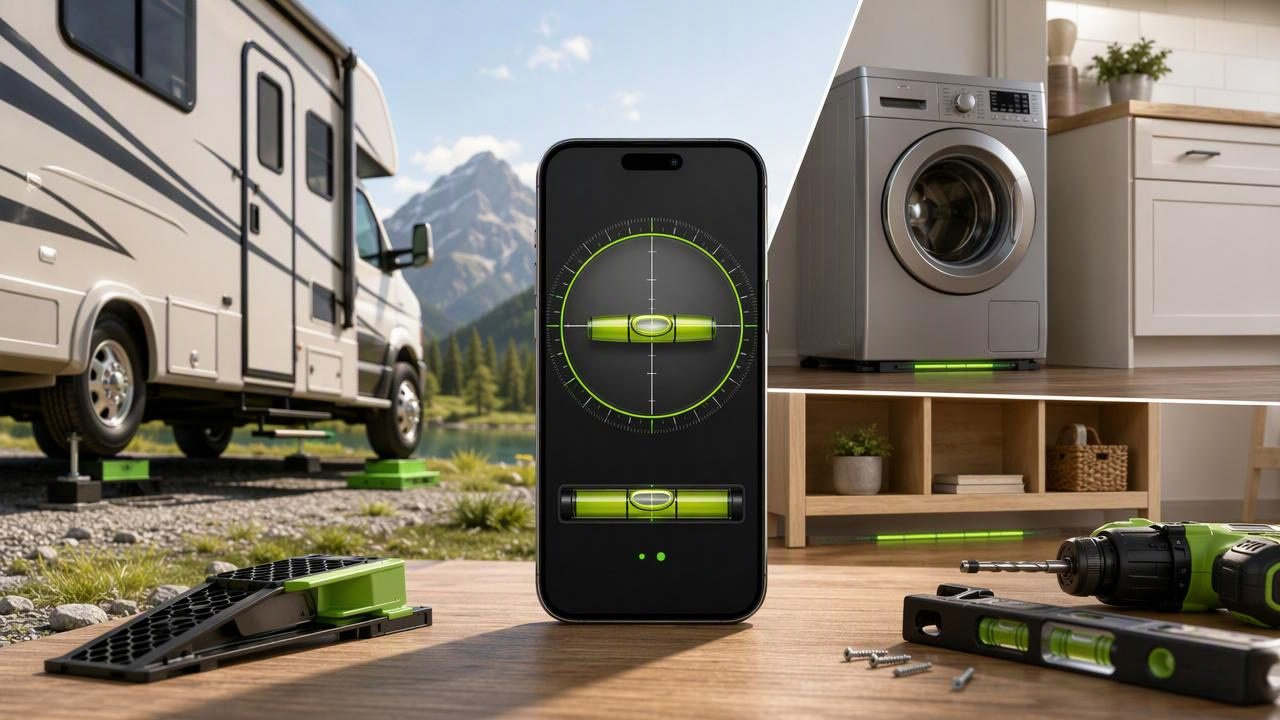
A dual axis bubble level app helps you check level in two directions at the same time. Instead of measuring only one side-to-side angle, it can show both left-to-right tilt and front-to-back tilt. That makes it especially useful when setting up an RV, leveling a camper, placing a washing machine, installing a workbench, or checking a tabletop before a detailed DIY task.
Your iPhone contains motion sensors that can detect changes in orientation. When a level app is properly calibrated and placed in firm contact with a stable surface, it can provide a practical digital alternative to reading two separate spirit levels. The important point is that the phone measures its own position. For useful results, the phone must sit flat, consistently, and in the same orientation each time you check.
This guide explains how dual-axis leveling works, how to use it accurately, and where a phone-based level has limits.
What Is a Dual Axis Bubble Level App?
A traditional bubble level usually has separate vials for different directions. One vial may help you assess a horizontal surface, while another helps you check a vertical surface. A dual axis bubble level app brings two horizontal measurements together on one screen.
The two axes are commonly described as:
- Left-to-right tilt: Whether one side of a surface is higher than the other.
- Front-to-back tilt: Whether the front or rear of a surface is higher.
When both values reach zero, or fall within your chosen tolerance, the surface is level in both directions. Some apps present this as a centered bubble, while others show numerical angle values in degrees. Both displays can be useful: the bubble gives a quick visual check, and the numbers help you make controlled, repeatable adjustments.
For example, an RV can appear level from the doorway while still leaning slightly toward one side. A dual-axis reading makes that second tilt visible, helping you avoid correcting only the most obvious direction.
Why Two-Axis Leveling Matters for DIY and Travel
Many projects need more than a single straight-line check. A shelf can look level along its front edge but still slope toward the wall. A workbench can be level from side to side but lean forward. A camper may be stable enough for walking but still be noticeably unlevel when cooking, sleeping, or operating equipment that benefits from a more even position.
| Task | Why dual-axis readings help | What to check |
|---|---|---|
| RV or camper setup | Shows side-to-side and front-to-back lean together. | A solid interior counter, floor section, or other stable reference surface. |
| Washing machine placement | Helps identify uneven feet in both directions. | The machine top, if it is clean, flat, and stable. |
| Workbench setup | Supports a flatter surface for marking, cutting, and assembly. | Several spots across the worktop. |
| Furniture assembly | Helps reveal twisting or uneven flooring. | The top surface and nearby floor. |
| Outdoor table setup | Identifies whether the ground is affecting the table. | The tabletop after the legs are stable. |
A dual-axis reading does not tell you what to adjust by itself. It tells you which direction is out of level and by how much. You still need to decide whether to move the object, adjust feet, add a suitable support, or choose a more even location.
Before You Start: Calibrate on a Reliable Reference
Calibration is the foundation of dependable phone leveling. It establishes what the app should treat as level relative to a surface you trust. If you calibrate on a sloped table, the app may repeatedly report that same slope as level.
Choose a reference that is as reliable as practical for the job. A known-level bench, a carefully checked countertop, or a stable surface verified with a quality physical level can be appropriate. Avoid soft cushions, uneven paving, loose boards, curved surfaces, and anything that can flex under the phone.
- Clean the reference surface and the back of the phone or phone case.
- Place the iPhone flat with full, stable contact.
- Open the level mode and follow the app's calibration instructions.
- Wait for the reading to settle before confirming calibration.
- Turn the phone 180 degrees on the same spot and compare the result.
The 180-degree check is a useful repeatability test. If the reading changes substantially after rotation, inspect the contact surface, remove a bulky or uneven case, and repeat calibration. Small variations can occur because of hand movement, surface texture, or sensor behavior. The goal is not to force a perfect number; it is to obtain readings that are stable enough for the decisions your project requires.
How to Use a Dual Axis Bubble Level App Step by Step
1. Choose the right measurement surface
Measure the surface that represents the object you actually want to level. For an RV, that may be a sturdy interior counter or a section of floor that is not warped. For a washing machine, it may be the top panel. For a shelf, measure the shelf itself rather than the wall behind it.
Do not hold the phone in your hand and expect a dependable result. Your wrist angle and grip will influence the reading. The device needs actual contact with the measured surface.
2. Place the phone consistently
Set the iPhone down gently rather than sliding it across the surface. Sliding can introduce dust, cause a case edge to catch, or move the item being checked. Keep the same phone orientation during repeated checks unless you are deliberately using the rotation test.
If the phone rocks on the surface, stop. A rocking phone cannot provide a trustworthy measurement. Remove the case if it has raised edges, a ring grip, a camera bump that prevents flat contact, or another feature that keeps the device from sitting evenly.
3. Read both axes before adjusting
Look at the full display rather than correcting the first value you notice. A common mistake is to fix left-to-right lean, then discover that front-to-back tilt has become more noticeable. Plan the adjustment sequence based on the larger deviation, then recheck both directions after every change.
When available, set a practical target or tolerance. A tolerance defines how close to level you need to be before the app signals success. For a casual outdoor table, a small acceptable range may be sufficient. For precision layout work, you may need a tighter target and more repeated checks.
4. Use sound and haptics carefully
Audio and haptic feedback can be helpful when your eyes are on an adjustment point instead of the screen. For instance, you can make a small change to an adjustable furniture foot and wait for the app's feedback as the target is approached.
However, feedback is not a substitute for a final visual reading. Pause, let the device settle, and confirm both axes on screen. Vibrations from a running appliance, footsteps in a camper, wind movement, or your own hand can temporarily affect what you see.
Concrete Example: Leveling a Parked Camper
Imagine a camper is parked overnight on a site that slopes slightly downward toward the passenger side and rear. You place the iPhone on a firm, reasonably flat kitchen counter after calibration. The dual-axis display shows that one side is lower and that the rear is also lower.
Start by correcting the larger side-to-side difference using your normal, safe campsite leveling method. Reposition the camper only according to your vehicle and equipment instructions; a phone app does not lift a vehicle, select ramps, or replace safe setup procedures. Once the side-to-side reading is closer to your target, recheck the front-to-back value and make the appropriate adjustment.
After each change, place the phone back in the same location and orientation on the counter. When both readings are within your preferred tolerance, check a second interior location. If the readings differ sharply, the counter itself may not be a suitable reference, or the interior surfaces may not be parallel with the camper floor.
Finally, secure the camper according to the manufacturer's guidance. A level reading does not prove that the vehicle is safely parked, stabilized, or ready for every onboard system.
Common Mistakes That Reduce Accuracy
- Measuring through an uneven phone case: A case can prevent full contact or introduce a small tilt.
- Using a curved or flexible surface: Vehicle dashboards, upholstered seats, and thin boards may not be dependable references.
- Skipping calibration: A sensor reading is only as useful as the reference used to establish it.
- Checking once only: Repeat readings in the same spot to confirm they are stable.
- Adjusting too much at once: Small, controlled changes make it easier to identify cause and effect.
- Ignoring environmental movement: People walking inside an RV or vibration from machinery can affect a momentary reading.
Understanding the Limits of Phone-Based Leveling
A dual axis bubble level app is a convenient measurement tool, not a certified surveying instrument. It is best used for practical alignment, household adjustments, DIY setup, and orientation checks where repeatable relative readings are valuable.
It cannot determine whether a surface is structurally sound, whether a floor is flat across an entire room, or whether a vehicle is safely supported. It also cannot compensate for poor contact between the phone and the surface. For safety-critical work, regulated construction tasks, major structural decisions, or situations requiring documented precision, use the appropriate professional equipment and follow applicable guidance.
In everyday work, repeatability is often more useful than chasing an isolated decimal value. If you can place the phone in the same spot and receive consistent readings before and after a small adjustment, you have meaningful information for making a practical decision.
Make Dual-Axis Checks Part of Your Routine
The best results come from a simple routine: calibrate against a sound reference, place the phone flat, read both axes, adjust gradually, and confirm the result more than once. This approach works whether you are leveling a camper at a campsite, preparing a workbench, or correcting uneven furniture on an older floor.
For an iPhone tool that combines level and angle functions with offline core measurements, Level Tool includes a practical guide on using an iPhone level for RV and camper setup. Use any app as one part of a careful setup process, with stable contact and repeatable checks guiding every adjustment.
