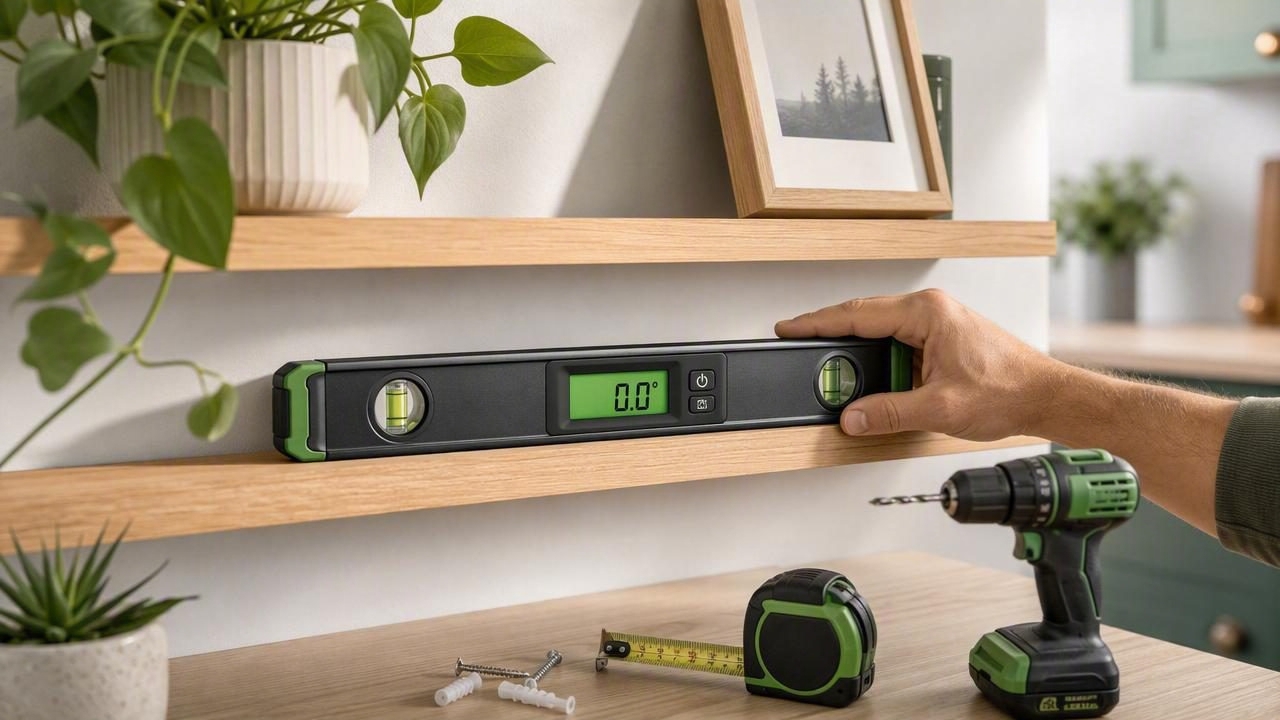
A digital spirit level can make everyday home improvement tasks faster, clearer, and more precise. Whether you are hanging floating shelves, adjusting a washing machine, installing a curtain rod, or checking the slope of a patio, knowing what is truly level matters. Even a small tilt can make wall decor look wrong, cause cabinet doors to drift, or affect how appliances operate.
This digital spirit level guide for homeowners explains how these tools work, how to prepare your phone for reliable readings, and when to verify results with a traditional level. With the right setup and technique, an iPhone-based measurement tool can be a practical addition to a DIY toolkit.
What Is a Digital Spirit Level?
A digital spirit level is an electronic tool that measures an object’s angle relative to level or plumb. Traditional bubble levels use a sealed vial of liquid and an air bubble. When the bubble rests between marked lines, the surface is level. A digital version displays the angle numerically and may use visual indicators, color changes, or a simulated bubble vial.
On an iPhone, a level app uses built-in motion sensors, including the accelerometer and gyroscope, to detect the device’s orientation. When you place the phone on a flat surface or hold it against a vertical surface, the app translates sensor data into a readable result.
Most digital level screens can show:
- Level: a horizontal plane at 0°.
- Plumb: a perfectly vertical plane at 90°.
- Angle: the amount of tilt in degrees.
- Slope or gradient: useful for drains, ramps, patios, and landscaping.
- Dual-axis readings: tilt measured from side to side and front to back.
Why Homeowners Use a Digital Level
The main benefit is convenience. A digital spirit level is available whenever your phone is available, so it can help with quick checks before you bring out larger tools. Numeric readings also make it easier to understand how far off a surface is. Instead of seeing that a bubble is slightly left of center, you may see that a shelf is tilted by 1.2°.
Digital readings are especially useful when you need to repeat an angle. For example, if a handrail follows a 35° stair angle, you can measure and reproduce that angle on a matching cut or mounting bracket.
| Home Task | Helpful Reading | Why It Matters |
|---|---|---|
| Hanging shelves | 0° horizontal | Prevents books, plants, and decor from leaning. |
| Installing pictures | 0° horizontal | Keeps frames aligned with nearby furniture and trim. |
| Mounting a TV | Level and plumb checks | Helps ensure the screen looks straight from across the room. |
| Leveling appliances | Dual-axis level | Supports stable operation and can reduce vibration. |
| Checking a patio | Angle or slope | Helps evaluate whether water can drain appropriately. |
| Building a ramp | Slope percentage | Helps maintain a consistent, planned incline. |
How Accurate Is a Phone Digital Spirit Level?
A quality iOS level app can provide useful accuracy for many household projects, particularly after calibration. However, the result depends on more than the app itself. The phone case, surface texture, device placement, sensor calibration, and movement can all influence a reading.
For routine DIY tasks such as hanging artwork or checking a tabletop, a phone level is generally practical. For structural framing, major flooring work, precise cabinetry, accessibility ramps, or projects governed by building codes, use a dedicated professional level and follow applicable local requirements.
Good rule: Use a digital phone level for setup and quick verification, but confirm critical construction measurements with the appropriate professional tool.
Prepare Your Phone Before Measuring
Good technique starts before you take the first reading. Taking a minute to prepare your device can prevent misleading results.
1. Remove or Account for the Phone Case
Thick, uneven, or flexible phone cases can keep the device from sitting flat against a surface. Camera bumps may also create an unwanted gap. If possible, remove the case before measuring. If you need to keep it on, place the same edge of the phone against every surface and understand that readings may be less exact.
2. Clean the Measuring Surface
Dust, paint drips, screws, tile grout, or debris can make a level surface appear tilted. Wipe the area first, especially when checking a shelf, countertop, or appliance top. For rough lumber, place a straight board across the surface and measure on the board instead.
3. Calibrate the Digital Level
Calibration establishes a reliable reference point for the app. Many level apps guide you through a simple process: place the phone on a stable, reasonably level surface, allow the reading to settle, then rotate the phone 180 degrees and repeat. If the two readings disagree, the app can compensate for a small sensor offset.
Calibrate after a major iOS update, after dropping your phone, when switching devices, or whenever readings seem inconsistent. Calibration cannot turn an uneven table into a true reference, so choose the flattest stable surface available.
4. Let the Reading Settle
A phone held in the air will move slightly with your hands. Place it gently, avoid pressing down on one side, and wait a few seconds. Most apps stabilize the display, but pausing before you record a number remains a smart habit.
How to Use a Digital Spirit Level Step by Step
- Open the level function. Choose horizontal, vertical, angle, or dual-axis mode based on the task.
- Position the phone correctly. Lay it flat for a horizontal reading or place its long edge against a vertical face for plumb.
- Check contact points. Confirm the phone is not resting on a raised button, case edge, screw, or uneven spot.
- Wait for a stable measurement. Give the display time to settle before making adjustments.
- Adjust gradually. Shim, turn an appliance foot, or move the mounting hardware in small increments.
- Measure again. Recheck after every adjustment rather than assuming a small change fixed the entire issue.
- Verify in a second position. Rotate the phone 180 degrees or measure from another point to catch surface irregularities.
Practical Home Improvement Examples
Hanging a Shelf
First, mark the planned shelf height. Use the digital level to draw or confirm a level guide line between brackets. Once brackets are installed, place the phone on the shelf itself and check again. This second reading is important because brackets can be level while the shelf board is warped or seated unevenly.
If the shelf reads slightly off, check both bracket screws before redrilling holes. A small shim behind one bracket may correct the issue without creating unnecessary wall damage.
Leveling a Washing Machine
Place the phone on top of the machine near the center, then check both directions using dual-axis mode. Adjust the appliance’s leveling feet a little at a time. After each adjustment, press gently on opposite corners of the machine. If it rocks, one foot is not firmly contacting the floor.
Do not rely on the front edge alone. A machine can appear level from left to right while still tilting forward or backward. Confirm both axes before tightening lock nuts.
Checking Drainage on a Patio or Driveway
A patio does not always need to be perfectly level. In fact, outdoor surfaces often need a controlled slope to move rainwater away from the home. Measure several locations, noting both the direction and amount of the slope. Check for low spots where water may collect.
For drainage-sensitive work, consult local building guidance or a qualified contractor. The correct slope depends on the surface, drainage system, materials, and site conditions.
Understanding Degrees, Slope, and Percent Grade
Digital tools may report tilt in degrees or percent grade. These are related but not interchangeable. Degrees describe an angle, while percent grade describes rise over run.
Percent grade = (vertical rise ÷ horizontal run) × 100For example, if a surface rises 1 inch over a 100-inch horizontal distance, it has a 1% grade. A small angle can translate to a meaningful slope over a long distance, which is why numeric readings are valuable for outdoor and layout projects.
When comparing measurements, use the same unit consistently. Switching between degrees and percent grade without conversion can lead to incorrect assumptions.
Common Digital Level Mistakes to Avoid
- Measuring on a warped surface: A bowed shelf or twisted board can give different readings at each end.
- Ignoring the camera bump: The back of many phones does not lie completely flat.
- Using a soft surface: Carpet, cushions, and flexible furniture tops can compress and distort readings.
- Checking only once: Repeat the measurement after rotating the phone or moving it along the surface.
- Confusing “looks level” with “is level”: Nearby ceilings, floors, and trim are not always straight in older homes.
- Forgetting project intent: A drainage surface may need slope, while a shelf normally needs true level.
When a Traditional Spirit Level Is the Better Choice
A phone-based level is compact and convenient, but it cannot replace every tool. Choose a long traditional level when you need to measure across a wide span, such as cabinets, framing, large-format tile, doors, or a long countertop. The longer edge helps reveal dips and high points that a phone cannot detect over distance.
A dedicated level is also preferable in wet, dusty, high-impact, or high-heat environments where using a phone would be inconvenient or unsafe. For precise professional work, use calibrated equipment designed for the tolerances of the job.
Make Better DIY Decisions With Reliable Measurements
The best results come from combining convenient technology with careful verification. Calibrate your device, ensure solid contact with the surface, wait for readings to stabilize, and confirm important measurements from more than one position. These habits can help homeowners avoid crooked shelves, unstable appliances, and frustrating rework.
An offline measurement app is particularly useful when working in a garage, basement, yard, or remote location without dependable service. For homeowners who want several practical sensor-based tools in one place, Level Tool offers level, navigation, and other measurement functions without requiring a subscription.
