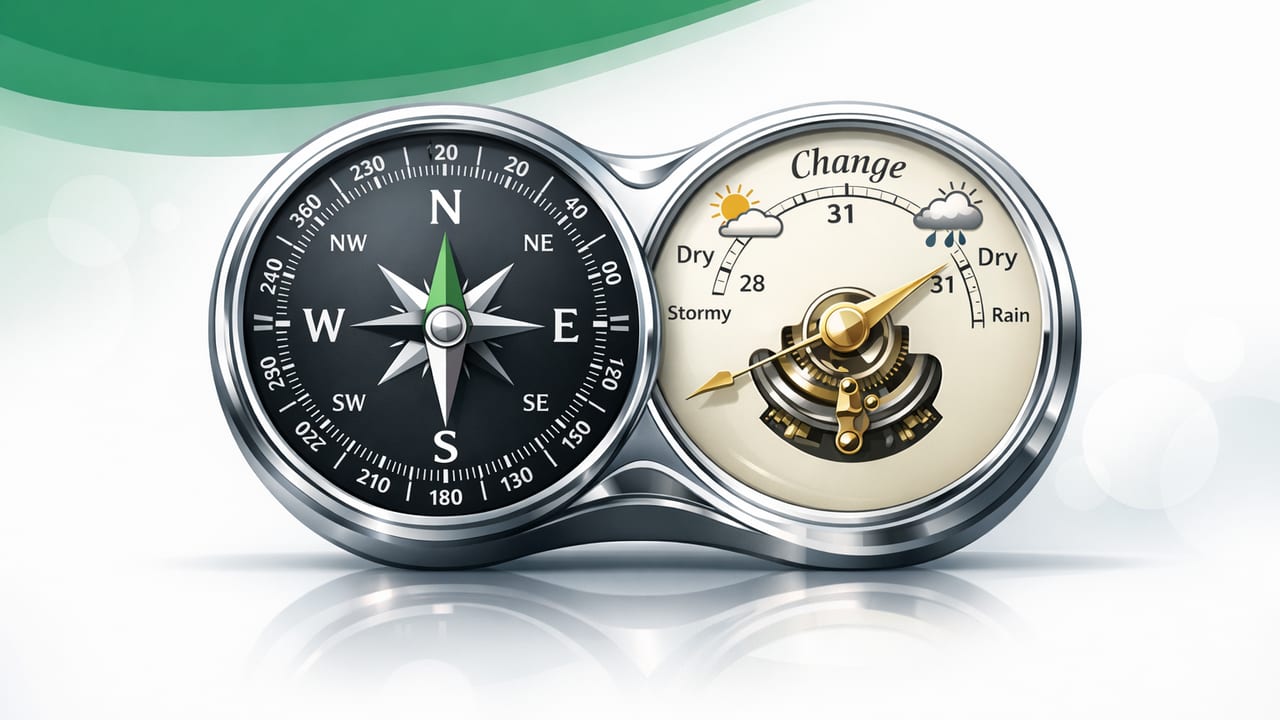
A compass barometer combo is one of the most practical “two-sensor” toolsets you can carry in your pocket. On an iPhone, the compass helps you maintain a reliable heading (direction of travel), while the barometer tracks changes in air pressure that often signal changing weather. Used together—and used offline—they can improve decision-making for hiking, boating, field work, and even certain home-improvement tasks where wind and rain matter.
This guide explains what your iPhone is measuring, how to set up a repeatable workflow, and how to interpret readings without overconfidence. It’s written for DIYers and pros who want practical, sensor-based navigation and weather awareness without relying on cell service.
Why pair a compass with a barometer?
Individually, each tool is helpful. Together, they answer two key questions:
- Where am I going? (compass heading + bearings)
- What conditions am I moving into? (barometric pressure trend)
That second question is underrated. Many “bad day” stories outdoors start with continuing despite early signals—like pressure dropping quickly, wind shifting, or cloud build-up. A barometer won’t replace a forecast, but it can warn you when the local atmosphere is changing faster than expected.
How iPhone compass and barometer sensors work (in plain terms)
Compass: magnetometer + software correction
Your iPhone’s compass relies on a magnetometer (detects magnetic fields) and software to estimate heading. The reading can be affected by:
- Nearby metal (car bodies, railings, rebar, tools)
- Electronic interference (speakers, power tools, chargers)
- How the phone is held (flat vs upright)
- Calibration quality
Also note the difference between:
- Magnetic north: where a compass points.
- True north: geographic north pole direction (maps often use this).
Many apps can apply a declination correction automatically if location services are available; if you’re fully offline, you may need to be aware of local declination (it varies by region).
Barometer: pressure sensor that reveals trends
The iPhone barometer measures air pressure (often shown in hPa/mbar or inHg). Pressure varies with:
- Weather systems (high vs low pressure)
- Altitude changes (pressure drops as you go up)
- Indoor HVAC effects (doors opening, ventilation, storms outside)
The most useful value for everyday decisions is usually the trend over time—not a single snapshot.
A practical offline workflow (before you leave)
If you want consistent results, use a simple routine. Here’s a field-ready checklist that works for hikes, job sites, and boat ramps.
- Go outside and away from metal. Stand a few meters from vehicles, fences, or large tools.
- Calibrate the compass. Follow your app’s prompt (often a figure-eight motion). Recalibrate if heading feels “sticky” or inconsistent.
- Record a baseline pressure reading. Note the time and pressure (and optionally your approximate altitude).
- Decide your “recheck interval.” For changing conditions, recheck every 30–60 minutes; for stable days, every 2–3 hours.
- Keep it offline-friendly. Download maps ahead of time if you plan to use them, but remember: compass + barometer still function without service.
Tip: If you’re climbing (altitude changes), pressure will naturally drop. To use the barometer for weather awareness on a climb, focus on how quickly pressure changes compared with your typical ascent rate, and look for sudden drops during flat sections or breaks.
How to interpret barometric pressure trends (without overreacting)
Absolute pressure varies by location and altitude, so trend is key. The table below provides a simple interpretation model that many outdoor users find practical.
| Observed trend (approx.) | What it often suggests | What to do |
|---|---|---|
| Steady pressure over 2–3 hours | Stable conditions likely | Proceed, continue periodic checks |
| Slow rise | Improving or stabilizing weather | Good sign; still watch wind/clouds |
| Slow drop | Potential weather deterioration | Shorten exposure, identify exit points |
| Fast drop over 1–2 hours | Front approaching / storm risk increasing | Consider turning back; avoid ridges/open water |
Reality check: Pressure alone doesn’t guarantee storms. Use it as an early-warning input along with wind, cloud build, humidity, and local knowledge.
Compass technique: getting reliable bearings on iPhone
1) Choose a stable hold
For repeatable headings, hold your phone the same way each time. Many compass apps are most stable when the phone is held flat or consistently upright—mixing orientations can introduce noise.
2) Take a bearing to a real-world object
Instead of staring at numbers while moving, pick a landmark (tree, boulder, buoy, trail sign) that aligns with your target heading. Walk to it, then take another bearing. This “leapfrogging” reduces drift and confusion.
3) Avoid local interference
If the compass swings wildly near a truck, metal railing, or a toolbox, move away and re-check. Interference is one of the top causes of “my compass is wrong.”
Three real-world use cases for a compass barometer combo
Use case 1: Hiking when weather is uncertain
On trails, a compass helps maintain direction at junctions, in fog, or above treeline. The barometer helps you decide whether to continue toward exposed terrain.
- Compass action: Confirm the bearing of the next trail segment or ridge line.
- Barometer action: Compare pressure now vs. baseline at trailhead.
- Decision rule: If pressure is dropping faster than expected and clouds are building, avoid committing to long exposed sections.
Use case 2: Boating, paddling, and open-water exposure
On water, wind shifts and squalls can escalate quickly. A compass heading helps you hold a safe return line (especially if visibility drops). The barometer gives an additional cue that conditions are changing.
- Compass action: Note the bearing from your launch point to a safe harbor or shoreline landmark.
- Barometer action: Watch for steady-to-fast pressure drops during the trip.
- Decision rule: If pressure drops and whitecaps increase, shorten the route and stay near exits.
Use case 3: DIY and job-site planning (weather-sensitive tasks)
For home improvement, pressure trends can help with timing tasks that depend on weather windows—painting, roofing prep, sealing, or staging materials outdoors.
- Compass action: Check building orientation for sun/wind exposure (useful for planning work times and drying conditions).
- Barometer action: Note pressure trend before committing to an outdoor adhesive/finish step.
- Decision rule: A fast pressure drop can be a cue to pause or protect materials—even if the sky hasn’t changed yet.
Simple “trend logging” you can do offline
You don’t need a fancy setup—just consistency. If your app doesn’t automatically graph pressure, you can log a few readings manually in Notes:
08:00  1012.8 hPa  (trailhead)
09:00  1011.9 hPa
10:00  1009.7 hPa  (clouds building)
11:00  1007.8 hPa  (wind increasing)  => turn-around decision
If you want to be more systematic, log at the same time interval and note whether you were ascending/descending. Over several trips you’ll learn what “normal” looks like for your area.
Common mistakes (and how to avoid them)
- Mistaking altitude change for weather change: If you climb quickly, pressure drops even in perfect weather. Compare pressure during flat sections or breaks.
- Using the compass near metal: Take headings away from vehicles, guardrails, or tool belts.
- Not recalibrating after travel: If you drive to a new area or attach magnetic accessories, recalibrate.
- Assuming one reading is definitive: Trends matter; combine with visual cues.
- Forgetting battery and screen readability: Offline tools are great, but you still need power. Consider Low Power Mode and a brightness plan.
FAQ: compass + barometer on iPhone
Does a compass work without cellular service?
Yes. The compass sensor works offline. Some features (like map tiles, automatic declination, or location-based corrections) may depend on GPS or cached data, but basic heading readings do not require cell service.
Can barometric pressure predict storms accurately?
It can indicate changing conditions, especially when pressure drops quickly, but it’s not a guarantee. Use it as a local trend indicator alongside forecasts and observation.
Why does my compass heading drift when I rotate the phone?
Orientation, interference, and calibration quality all matter. Hold the phone consistently, move away from metal, and recalibrate when needed.
Is a phone as good as dedicated instruments?
For many everyday tasks, it’s “good enough” when used carefully. Dedicated instruments may be more rugged, more stable around interference, and easier to read continuously—but phones offer convenience and multiple tools in one device.
Putting it together: a quick decision framework
If you want one takeaway from using a compass barometer combo, it’s this:
- Use the compass to reduce navigation errors (wrong turns, drifting off bearing).
- Use the barometer to reduce commitment errors (pushing into exposure as conditions deteriorate).
When both signals point toward increased risk—confusing navigation plus worsening pressure trend—it’s often wise to simplify the plan: shorten the route, stick to clear landmarks, and choose safer terrain or earlier return times.
Note: If you prefer keeping multiple offline measurement tools in one place (leveling, compass, pressure, and more), an iOS toolkit app like Level Tool can be a convenient way to access them without subscriptions—just remember that good results still depend on careful technique and realistic expectations.
