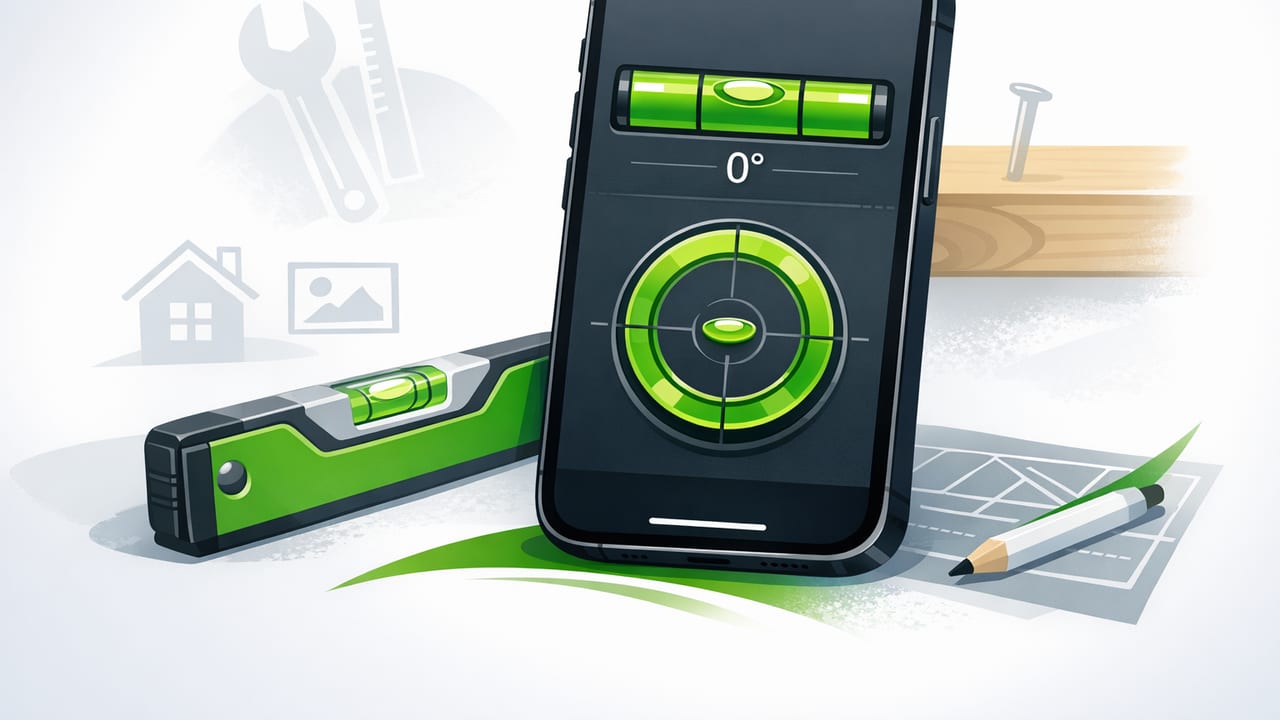
If you’ve ever tried to hang a shelf, align a TV mount, or level a washing machine, you know the frustration of being “almost level.” A bubble level app can be a surprisingly reliable solution—if you pick the right one and use it correctly. This guide breaks down what actually matters when choosing the best bubble level app for iPhone, how to verify accuracy, and how to get consistent results for DIY and professional tasks.
What a bubble level app on iPhone really measures
Most level apps don’t use the camera to “see” level. Instead, they rely on your iPhone’s motion sensors (accelerometer and gyroscope) to estimate tilt relative to gravity. The app then displays that tilt as:
- Degrees (°) of incline
- Bubble indicators like a spirit level
- Dual-axis readings (left-right and forward-back)
Because the measurement is sensor-based, a good app is less about flashy graphics and more about calibration, stability, and clear readings.
What “best” means for a bubble level app (a practical definition)
The best bubble level app for iPhone is the one that stays accurate across common use cases and is fast to use on a job site or at home. In practice, “best” usually comes down to five categories:
- Accuracy & repeatability (does it give the same reading when you repeat a check?)
- Calibration controls (can you zero it to a reference surface?)
- Dual-axis leveling (useful for appliances, posts, and platforms)
- Clarity & usability (big numbers, strong contrast, minimal clutter)
- Offline reliability (works in basements, garages, and remote sites)
Must-have features to look for
1) Simple, reliable calibration (zeroing)
Calibration is the difference between “pretty close” and “confident.” A strong app lets you set a baseline—for example, zeroing on a known-level countertop or a trusted physical level. Look for:
- A clear Calibrate or Zero button
- Support for calibrating on multiple axes (portrait/landscape)
- Calibration that persists (doesn’t reset unexpectedly)
2) Dual-axis mode
Dual-axis leveling shows both tilt directions at once. It’s especially helpful when leveling:
- Washing machines and dryers
- Workbenches
- Camping stoves and portable tables
- Deck posts or fence posts (in combination with a square edge)
3) Angle readout in degrees (not only a bubble)
Bubble visuals are intuitive, but degrees are precise for tasks like setting a consistent slope or matching an existing incline. A quality app offers:
- 0.1° resolution (or similar)
- Stable numbers that don’t jump excessively
- An obvious indication of 0° (level) and 90° (plumb)
4) Hold / lock / snapshot reading
When you’re checking a hard-to-see spot (behind a toilet, under a cabinet lip), a hold function prevents the number from changing when you move the phone away.
5) Offline operation and no account requirement
Offline functionality is more than convenience: it’s reliability. In a garage, on a ladder, or at a remote build site, you don’t want ads, logins, or connection-dependent features interfering with a simple measurement.
A quick comparison: what to evaluate before you download
| Evaluation point | Why it matters | What to look for |
|---|---|---|
| Calibration | Reduces systematic error from cases/surfaces | One-tap zero, multi-orientation support |
| Dual-axis view | Speeds up leveling appliances and platforms | Simultaneous X/Y display |
| Readout stability | Prevents chasing jittering numbers | Smoothing without lag, stable 0° |
| Hold function | Useful in tight spaces | Hold/lock/snapshot button |
| Offline mode | Works anywhere, fewer interruptions | No internet needed for core features |
How to test a bubble level app for accuracy (in 5 minutes)
You don’t need lab equipment to sanity-check a bubble level app. Use this quick process to evaluate whether an app behaves like the best bubble level app for iPhone should.
Step 1: Find a stable reference surface
Pick something sturdy: a stone countertop, a thick workbench, or the top of a heavy table. Avoid soft surfaces (beds, carpet) that flex.
Step 2: Remove thick or uneven cases (optional but helpful)
A bulky case can introduce tilt if it doesn’t sit flat. If you keep the case on, at least confirm the phone rests evenly without rocking.
Step 3: Do the flip test (repeatability check)
This is the most practical DIY accuracy test:
- Place the phone on the surface and note the reading (e.g., +0.4°).
- Rotate the phone 180° (same spot, opposite direction).
- Note the new reading.
If the surface is consistent, the second reading should be close to the negative of the first (e.g., -0.4°). A small difference is normal, but big mismatches suggest calibration issues, sensor noise, or poor filtering.
Step 4: Check both orientations
Test in portrait and landscape. The best apps remain consistent across orientation changes.
Step 5: Calibrate, then repeat the flip test
Calibrate on the reference surface and rerun the test. You should see improved symmetry and a more trustworthy 0°.
Real DIY scenarios where a bubble level app shines
Hanging frames and floating shelves
Use the phone on top of the frame or shelf. For longer shelves, check multiple points (left, center, right) because walls can bow and brackets can twist.
Leveling appliances (washers, dryers, fridges)
Dual-axis mode is ideal here. Check:
- Front-to-back tilt (affects vibration and drainage)
- Left-to-right tilt (affects door alignment and stability)
Setting a consistent slope (drainage, ramps, patios)
Sometimes you don’t want “perfectly level”—you want a deliberate angle. Degrees are useful, but many people think in rise/run. Here’s a quick reference:
- 1° ≈ 1.7% grade
- 2° ≈ 3.5% grade
- 3° ≈ 5.2% grade
If you want to calculate it yourself:
grade_percent = tan(angle_degrees * π/180) * 100Checking plumb on posts and studs
Place the phone against a straight edge (or a known-flat side of a post). Check in two directions if possible. If you only measure one face, a post can still lean sideways.
Common mistakes that make any level app look “inaccurate”
- Measuring on a surface that flexes (thin shelves, hollow doors, carpeted boards).
- Ignoring debris (a tiny screw or drywall dust under the phone changes the reading).
- Using an uneven phone case that rocks or lifts one corner.
- Not letting readings settle; give the sensors a second to stabilize.
- Comparing to a cheap or damaged physical level; a bent frame or stuck bubble misleads you.
When you should still use a physical level (or both)
A phone level is excellent for quick checks and many DIY tasks. But a dedicated tool can be better when:
- You need a long reference span (e.g., leveling a long countertop run).
- You’re working in wet, dusty, or risky environments (protect your phone).
- You need hands-free alignment for extended periods.
A smart approach is to use the phone for fast diagnostics and tight spaces, and a physical level for long spans and rough conditions.
Checklist: choosing the best bubble level app for iPhone
Pick an app that: calibrates easily, shows degrees, supports dual-axis, works offline, and provides stable readings you can repeat.
- Can you calibrate/zero in one tap?
- Does it support portrait + landscape without confusion?
- Is there a dual-axis mode for faster leveling?
- Are the numbers readable at arm’s length (ladder-friendly)?
- Does it work offline without sign-in?
- Does it include hold/lock for tight spots?
Final tip: consistency beats “perfect”
In real-world DIY and home improvement, the goal is usually consistent alignment: shelves that look straight, appliances that don’t wobble, and surfaces that drain the right way. A well-designed level app—used with calibration and a quick repeatability check—can be a dependable part of your toolkit.
If you prefer an offline iOS toolkit that includes a bubble level alongside other measurement tools, Level Tool is one option to consider.
