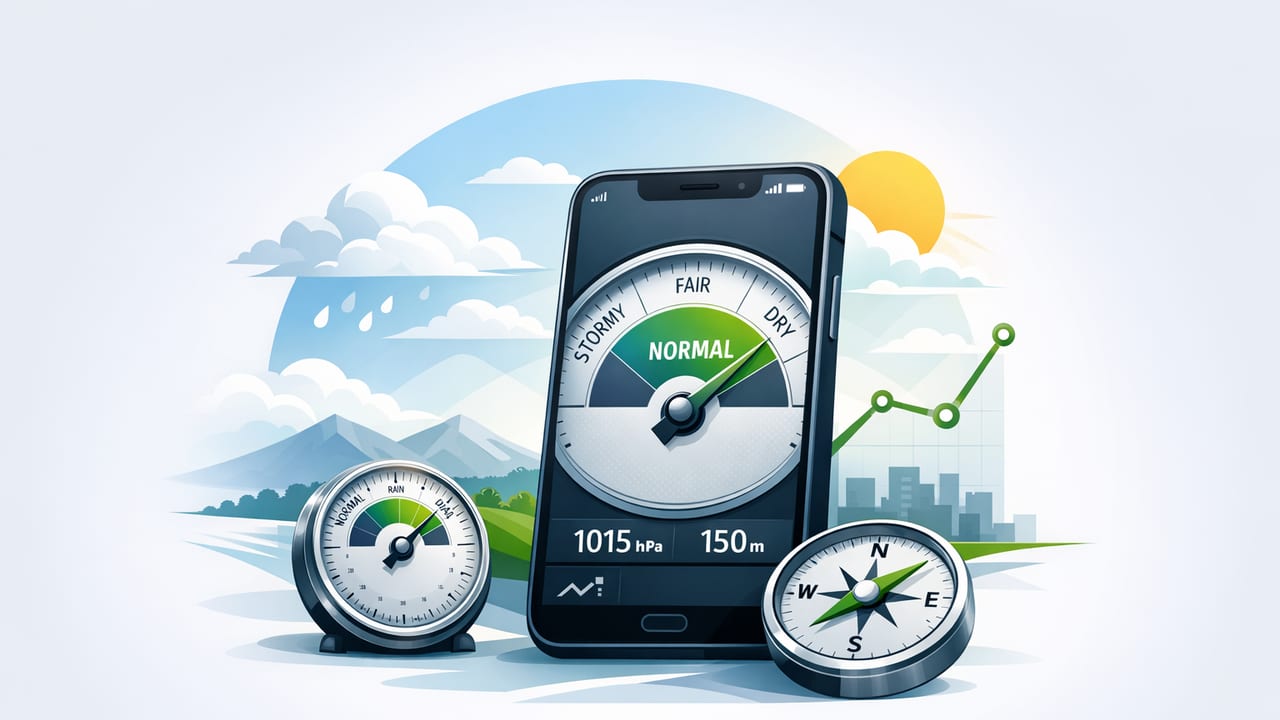
A barometer app turns your iPhone into a practical tool for reading air pressure—a signal that influences weather, comfort indoors, and planning outdoors. While it won’t replace a professional weather station, a good iOS barometer can help you understand pressure trends (rising, steady, falling) and make smarter decisions: whether to start exterior painting, expect gusty winds on a hike, or anticipate changing conditions on the water.
This guide explains what a barometer measures, how iPhone pressure sensors work, how to interpret readings, and how to get more reliable results—especially when you’re using the app offline.
What a barometer measures (and why it matters)
A barometer measures atmospheric pressure: the weight of the air pressing down on a point. Pressure changes as weather systems move and as your elevation changes. In general:
- Higher pressure is often associated with more stable, clearer weather.
- Lower pressure is often associated with unsettled weather (clouds, wind, precipitation).
- Fast pressure changes usually matter more than a single number.
Rule of thumb: Watch the trend. A falling barometer is often a bigger story than “today’s pressure.”
Common units you’ll see in a barometer app
Most iOS barometer tools show pressure in one or more of these units:
- hPa (hectopascals) = mbar (millibars) for practical purposes (1 hPa = 1 mbar).
- inHg (inches of mercury), common in the U.S.
- Pa (pascals), less common for weather because the numbers are large.
How an iPhone barometer app works
Many iPhone models include a tiny pressure sensor (a barometer) used for improving altitude estimates and location services. A barometer app reads that sensor data and displays it as:
- Station pressure: the pressure at your current location/elevation.
- Sea-level pressure (sometimes): a normalized value adjusted to sea level to make weather comparisons easier across different elevations.
Important: If your app shows “sea-level pressure,” it must estimate or use your elevation. If the elevation estimate is off, sea-level pressure will be off too. For DIY and on-the-go decisions, station pressure trend is often the most reliable metric because it needs fewer assumptions.
Getting accurate readings: setup and best practices
Pressure sensors are sensitive. That’s useful—but it also means small environmental factors can influence measurements. Use these practices to get more consistent results.
1) Let the reading settle
When you open a barometer app, give it 15–30 seconds to stabilize. If you just took the phone out of a pocket or a warm car, temperature changes can briefly affect readings.
2) Avoid rapid elevation changes during checks
Going up stairs, taking an elevator, or driving uphill changes pressure. If your goal is weather tracking, try to read pressure:
- In the same area each time (e.g., your kitchen or garage).
- At roughly the same height above ground.
- At consistent times (morning/evening) to compare trends.
3) Keep the phone away from airflow extremes
Strong HVAC vents, fans, and open car windows can create local pressure effects. For indoor monitoring, keep the phone in a calm location for a minute before logging.
4) Understand the difference between “weather change” and “you moved”
If pressure drops quickly while you’re hiking uphill, that’s likely elevation, not a storm. Many apps pair pressure with altitude to help you interpret what’s happening.
How to interpret barometer app readings (trend-first)
Pressure varies by region and season, so there’s no single “perfect number.” Instead, focus on direction and speed of change. The table below offers general guidance.
| What you see in your barometer app | Likely meaning | Practical takeaway |
|---|---|---|
| Rising steadily over several hours | Stabilizing conditions; improving weather is possible | Better odds for outdoor work; winds may ease |
| Falling steadily | System approaching; increasing cloud/wind chance | Plan backup options; secure lightweight outdoor items |
| Falling quickly | Potential for stronger change (front, storm, squalls) | Be cautious for boating/hiking; watch official alerts |
| High and steady | Stable air mass | Great window for painting, caulking, and exterior work |
| Low and steady | Unsettled pattern may persist | Expect periodic showers; keep materials protected |
A quick note on microclimates
Local terrain (coastlines, valleys, mountains) can cause pressure behavior that doesn’t perfectly match broad forecasts. A barometer app can be especially useful here because it shows what’s happening where you are.
DIY and home-improvement uses for a barometer app
Air pressure impacts moisture movement, wind, and the stability of weather. Here are practical ways to apply pressure trends to DIY planning.
1) Timing exterior painting and sealing
If pressure is rising or stable, you’re often in a better window for outdoor painting, staining, and applying sealants—jobs that benefit from fewer sudden changes in wind and precipitation. Pair pressure trend with humidity and temperature (from your preferred sources) for best results.
2) Planning roofing, gutter, and ladder work
Falling pressure can correlate with increasing wind and unstable conditions. If you see a noticeable drop over a few hours, consider rescheduling roof tasks or at least preparing with extra safety measures.
3) Diagnosing drafty rooms (supporting evidence)
A barometer won’t “find” leaks, but it can help you understand why drafts feel worse on certain days. Strong pressure gradients and changing systems can increase wind-driven infiltration. Use the barometer app as context while you:
- Inspect weatherstripping and door sweeps
- Check attic hatches and recessed light penetrations
- Use incense/smoke pencils to visualize airflow
4) Workshop storage and material handling
Wood movement and finishing results depend more on humidity than pressure—but pressure trend can warn you about approaching weather changes that often bring humidity shifts. If you’re mid-project, a falling barometer can be a cue to protect materials and adjust schedules.
Outdoor navigation and trip planning with a barometer app
For hiking, fishing, and backcountry travel, pressure changes can be an early signal that conditions are shifting—especially when you’re away from service.
1) Spotting an incoming front while hiking
If your barometer app shows a consistent decline while your elevation is relatively stable (e.g., on a ridge walk with minor ups/downs), that’s a meaningful weather indicator. Combine it with visual signs like building clouds or changing wind direction.
2) Supporting altitude awareness
Pressure changes with elevation, which is why barometers are used in altimeters. If your app includes an altitude estimate based on pressure, remember:
- Weather-related pressure changes can make altitude drift over time.
- For multi-hour trips, periodic reference points (trail signs, known elevations) improve usefulness.
3) Boating and shoreline activities
Rapid pressure drops can coincide with squalls and stronger winds in some regions. A barometer app can’t replace marine forecasts, but it can act as an extra “instrument check,” especially if you’re offline.
Offline use: why it matters for a barometer app
A key advantage of a true sensor-based barometer app is that it can keep working without Wi‑Fi or cellular data. That’s valuable when:
- You’re in the backcountry and still want local readings
- You’re in a workshop or basement with poor reception
- You want quick checks without loading forecast maps
Offline readings are most powerful when you track your own baseline. Consider logging pressure at home for a week (same spot, same time). After that, “normal for your location” becomes obvious.
Common issues and troubleshooting
“My pressure number doesn’t match the weather report.”
This is usually because the weather report shows sea-level pressure, while your phone may show station pressure. If you’re at higher elevation, your station pressure will be lower than sea-level pressure—even on a clear day.
“My readings jump around.”
- Make sure you’re not changing elevation (stairs/elevator) while checking.
- Let the phone acclimate to the room temperature.
- Try a different location away from fans/vents.
“Altitude seems wrong.”
Pressure-based altitude can drift when weather changes. For navigation, treat it as an estimate unless it’s calibrated against a known elevation.
Pressure unit conversions (quick reference)
If your app shows one unit and you prefer another, these approximations help:
- 1 hPa = 1 mbar
- 1 inHg ≈ 33.8639 hPa
- 1 hPa ≈ 0.02953 inHg
Here’s a tiny conversion snippet you can paste into any Swift playground if you like to sanity-check values:
// Convert hectopascals (hPa) to inches of mercury (inHg)
func hPaToInHg(_ hPa: Double) -> Double {
    return hPa * 0.0295299830714
}

// Convert inches of mercury (inHg) to hectopascals (hPa)
func inHgTohPa(_ inHg: Double) -> Double {
    return inHg * 33.8638866667
}
A simple routine: using your barometer app like a pro
- Pick a reference spot (same room/same shelf).
- Check twice daily for a week (e.g., morning and evening).
- Write down: pressure, trend direction, and what the weather did within 12–24 hours.
- Look for patterns specific to your area (coastal vs. inland, mountain vs. flatland).
- Use trend-based decisions for DIY scheduling and outdoor planning.
FAQ
Do all iPhones support a barometer app?
No. A barometer app needs a device with a built-in pressure sensor. If the sensor isn’t present, an app may show no data or rely on internet-based estimates (which defeats the purpose of true offline measurement).
Is a barometer app good enough for storm prediction?
It’s best as a local indicator. Pressure trends can warn you that conditions are changing, but always follow official alerts and forecasts for safety decisions.
What matters more: absolute pressure or the change?
For everyday use, the change over time (trend) is usually more actionable—especially when you measure from the same location.
Conclusion
A barometer app is one of the most underrated iOS measurement tools: quick to check, useful offline, and surprisingly practical for both home projects and outdoor navigation. Focus on consistent readings and trend interpretation, and you’ll get far more value than chasing a perfect match with a weather website.
If you prefer an iOS toolkit that includes a barometer alongside other sensor-based tools (like level, compass, and ruler) in a single offline app, you can explore Level Tool as one option.
